
★★★★★
My daughter's ASUS laptop battery was deteriorating and also overheating. They repaired the set within the same day and also provided interior cleaning for General maintenance. Responsive and affordable! Highly recommend!
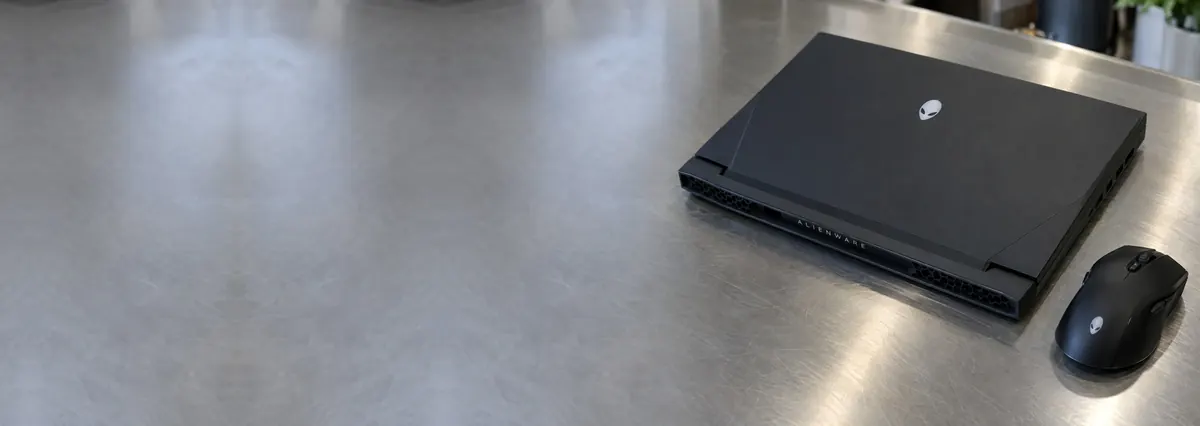
Service · Gaming laptops · Singapore
A gaming laptop that throttles, roars or shuts down mid-match is almost always a cooling problem, not a dead machine. We strip the heatsink, clean the fins, replace worn fans and re-paste the chips — and where a GPU has genuinely lost solder contact, we reball it properly rather than sell you a temporary reflow.
A slice of this week's gaming-bench log
Looking for the price? The price guide for this page is further down — jump straight to it ↓. Diagnosis is free on a walk-in, you get the price in writing before any work starts, and if we cannot fix it you do not pay a repair fee.
On this page
A gaming laptop is an ordinary laptop asked to do an extraordinary thing: dissipate the heat of a desktop-class processor and graphics chip through a chassis a couple of centimetres thick. An ROG Strix, a Legion Pro or a Predator Helios can be pushing ninety to a hundred and fifty watts of combined CPU and GPU heat into a heatsink the size of a paperback. Everything that goes wrong with these machines flows from that basic tension between raw performance and the space available to cool it. Get the cooling right and the machine flies; let the cooling degrade and the same machine throttles, screams and eventually dies.
That is why gaming laptop repair is a different discipline from ordinary laptop repair, and why we treat it as its own bench. Most jobs are thermal: the heatsink fins pack with dust, the thermal compound between the die and the heatpipes dries and cracks, the VRM and VRAM thermal pads harden, and the fans wear until they move less air than they should. The rest are board-level: high-TDP power-delivery circuits that fail under sustained current, graphics chips whose solder balls fatigue after years of thermal cycling, swollen batteries, and the large-barrel DC-in jacks these machines use to carry two hundred watts and more. We handle both on the same bench, with the same principle behind our component-level laptop repair: fix the actual fault, don't swap a whole assembly you didn't need to.
The honest headline is this. The single most common reason a gaming laptop feels slow, stutters in games or shuts itself off is not a broken component at all — it is a cooling system that has quietly clogged up over two or three years in Singapore's heat and dust. That is also the cheapest thing to fix. Before anyone quotes you for a new board or a GPU reball, the machine deserves a proper thermal service, and on the majority of throttling laptops that is the entire repair.
Gaming laptops fail in recognisable patterns. None of these is a diagnosis on its own, but each one narrows the search sharply before the machine is even opened:
If your machine matches one of these, send us a two-line description and a photo before you travel. We can usually give you a probable cause and an honest price band from the symptom alone.
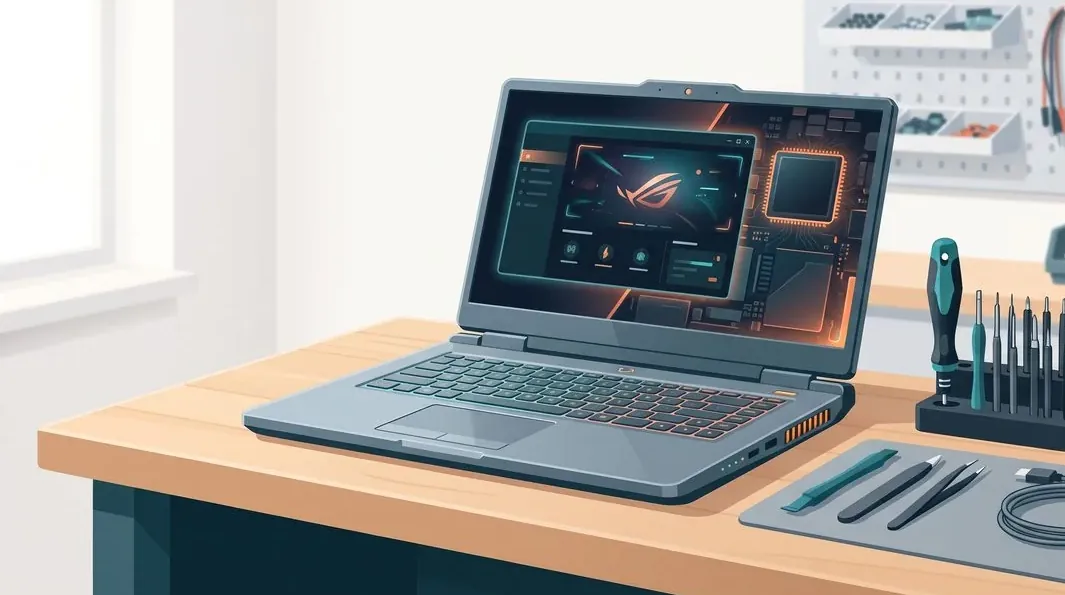
Below is the bench reference our technicians use during intake. The reference codes are ours, not an industry standard — quoting one over WhatsApp simply lets us free the right bench and prepare the right tools before you arrive. Turnaround assumes the fault behaves the way the symptom suggests; a board fault we have not yet traced never gets a fixed schedule.
Diagnostic reference
The faults that account for most gaming-laptop repairs on our bench, in roughly the order we see them.
Send a photo and a two-line description of what the machine does under load. A technician replies with a probable diagnosis and an honest price band before you leave the house.
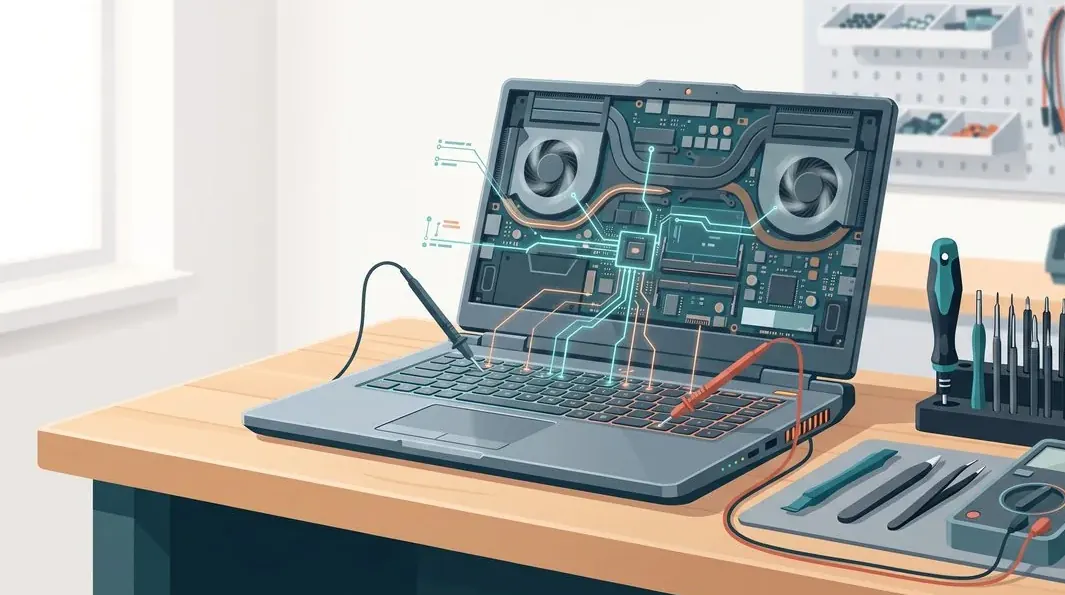
Every gaming laptop that reaches our bench follows the same disciplined path, whether it needs a thermal service or board-level microsoldering. A fixed process means nothing is skipped and nothing is guessed.
The best-value gaming repair is almost always the thermal service. A full strip-down, fin clean, fan check and repaste costs a fraction of a board repair, yet it fixes the complaint we hear most — throttling, stutter and shutdowns — on the majority of machines that reach us. Because it typically buys back 15–20°C of headroom, it also protects the expensive parts: heat is what fatigues GPU solder and ages power components in the first place. If your gaming laptop has never been serviced and it is running hot, start here before you spend on anything bigger.
Two honest limits sit at the front of every quote. First, a board with catastrophic physical damage — a cracked PCB, a torn-off connector, a delaminated GPU package — is sometimes beyond economical repair, and we say so on day one rather than after you have paid. Second, if the machine is still under manufacturer warranty, use that first: an independent repair can affect it, and we would rather tell you than take the job.
We repair every major gaming brand sold in Singapore, and each has its own quirks worth knowing:
We are an independent workshop and are not affiliated with, or authorised by, any of these brands. That independence is the point: it lets us repair the actual fault at component level instead of quoting a manufacturer's board-swap price.
Most of the machines we repair failed for reasons that were, in hindsight, avoidable. A few habits meaningfully extend a gaming laptop's life in Singapore's heat and humidity:
Because we show you the fault and photograph it — the clogged fins, the cracked compound, the artefacting GPU. Because the quote is written before any work starts and does not change afterwards. Because we reball rather than reflow, and we tell you honestly when a reball is not worth the machine's value. Every completed repair carries a written warranty on parts and workmanship, and if we cannot fix it you do not pay a repair fee. Walk-in diagnosis is free. On a gaming laptop, where the temptation to over-sell a board is greatest, that discipline is exactly what protects you — and it is the basis of the trade we have built over fourteen years. When you are ready, you can get a written quote before committing to anything.
Verified Google reviews
Every review below is a real, unedited review from our Google profile, shown with the customer’s name as they left it. Read all 940+ on Google.
My daughter's ASUS laptop battery was deteriorating and also overheating. They repaired the set within the same day and also provided interior cleaning for General maintenance. Responsive and affordable! Highly recommend!
I sent in 2 Dell laptops for repairs due to SSD replacement and battery and fan replacement. The technicians service were fast and prompt with ready parts. They are conveniently located and service is overall recommended! Thank you!
Fast laptop screen repair service - collect the next day after confirming. Prompt replies for enquiries through WhatsApp. Location - easy to locate.
Had my laptop working fine within 24 hours of service. LCD was replaced too and anyone finding a good laptop repair service, will recommend this place.
Related services
Worn, grinding or seized fans replaced, fins cleaned and airflow restored.
See the service →No-power, no-POST, VRM and charging faults, and GPU reball with fresh underfill.
See the service →The full component-level bench — screens, batteries, boards and more.
See the service →Gaming machines run hotter and are stripped further to service, so thermal work is the most common job. These are the bands:
| Repair | Our band (SGD) | What drives the price |
|---|---|---|
| Fan / thermal service | From around $60 to $250 | Clean and repaste vs a replacement fan or heatsink part |
| Screen replacement | From around $90 to $780 | Panel type — LCD vs IPS, OLED, high-refresh, 4K or bonded touch; size |
| Battery replacement | From around $110 to $380 | Cell type; bolt-in pack vs adhered internal cell |
| Motherboard / board-level repair | From around $120 to $800 | Which component failed; microsoldering bench hours |
| Charging port / DC-in repair | From around $80 to $450 | Modular jack vs a port soldered to the board |
| Hinge repair | From around $80 to $350 | Hinge part alone vs cracked case and broken mounting posts |
Our figures are bands, not quotes — the exact price depends on the model and what the diagnosis finds, and you get a written quote before any work starts. Apple prices where shown were read from Apple’s official Singapore service estimator on 16 August 2026 and are for comparison only; Apple states it will inspect the device to determine the final fee, that a delivery fee may apply, and that Apple Authorised Service Providers set their own fees.
Full ladders across every device: device repair cost guide, laptop repair cost, MacBook repair cost and iPhone repair cost.
Questions we get every week
In almost every case it is a cooling problem rather than a broken chip. Over a couple of years the heatsink fins clog with dust, the thermal compound between the chip and heatpipes dries out and cracks, and the fan bearings wear until airflow drops. Singapore's heat, humidity and fine dust accelerate all three. The machine defends itself by throttling clock speed, and when even throttling cannot keep the temperature down it shuts off to protect the silicon. A proper thermal service — fin cleaning, fresh compound, and fan replacement where the bearing is worn — usually restores full performance without touching the board at all.
It depends entirely on the fault. A full thermal service — strip-down, fin cleaning, fresh compound and reassembly — sits in the low hundreds and is the best-value job we do because it fixes the most common complaint. A single fan replacement is modest on top of that. Board-level work such as a GPU reball, a VRM power-stage repair or a DC-in charging fault runs higher because it takes far longer on the bench and needs microsoldering. We diagnose the machine first and give you a written quote you approve before any work begins, and if we cannot fix it you do not pay a repair fee.
We reball; we do not sell reflow as a lasting repair. A reflow just heats the board until the fatigued solder softens and briefly re-seats — it can revive a machine for a few weeks, but the joint is still failed and the heat makes the eventual proper repair harder. A reball removes the GPU completely, cleans off the old solder, lays down a fresh, uniform set of solder balls with new underfill for mechanical support, and refits it. That is the permanent fix. On a high-value gaming laptop a reball is often worth doing; where it is not economical against the machine's value, we tell you honestly.
Usually, yes. Throttling is the machine protecting itself from heat, so the fix is to restore cooling rather than to override a safety limit. After a full thermal service — clearing the fins, replacing dried compound with fresh paste, renewing the VRM and VRAM thermal pads, and fitting new fans where needed — we routinely see 15 to 20°C lower sustained temperatures under load. That headroom lets the CPU and GPU hold their boost clocks instead of dropping, so frame rates and render times return to where they should be. We load-test before and after so you can see the difference in the numbers.
Only on machines designed for it. Liquid metal conducts heat far better than paste, but it is electrically conductive and corrosive to aluminium, so a spill or an aluminium heatsink turns it into a hazard. Some gaming laptops ship with liquid metal from the factory and have the guarding and nickel-plated coldplates to suit it; on those we renew it correctly. On machines not built for it we use a high-grade thermal paste, which on most laptops gives excellent results without the risk. We make the call per model and explain what we are applying and why.
Treat it as urgent. A swollen lithium battery is under internal pressure and can lift the trackpad, bow the base, or in the worst case vent or ignite. Stop charging it, avoid pressing on it, power the machine down, and bring it in — do not puncture it or try to prise it out yourself. Gaming laptops run their cells hard and hot, so swelling is common as they age. We remove the swollen pack safely, check the charging circuit that may have contributed, and fit a correct-capacity replacement, then verify it charges and discharges properly before it goes back to you.
We repair ASUS ROG and TUF, Lenovo Legion and LOQ, Acer Nitro and Predator, MSI, Razer Blade, Alienware and Dell G-series, HP Omen and Victus, and Gigabyte Aorus and Aero. We are an independent workshop, not affiliated with or authorised by any of these brands. If your machine is still under manufacturer warranty, use that first — a third-party repair can affect it. Once a machine is out of warranty, independent component-level repair is usually far cheaper than the maker's board-swap price, and every job we complete carries our own written warranty on parts and labour.
Walk-ins welcome from the CBD, Orchard, Novena, Toa Payoh, Bishan, Ang Mo Kio, Jurong East, Clementi, Tampines, Bedok, Woodlands, Yishun, Hougang and Punggol. Courier collection islandwide for machines that should not be moved.