
★★★★★
They repair fast and good, my DELL laptop had damaged screen and battery and they fixed it in one day. Diagnosis is free and they quote after checking on the problem. Pre-test testing and post testing done well.. Highly recommend.
Service · Screens & panels · Singapore
Cracked glass, dead backlight, flickering hinges, lines across the image. We test the display chain before we sell you a panel — because roughly a fifth of "dead screens" that reach our bench are healthy panels behind a broken backlight circuit.
Display faults from this week's bench log
On this page
A laptop display is not one part. It is a stack: a backlight assembly of LED strings and a light guide plate; a diffuser and prism film set; the liquid crystal matrix itself; a polariser; and a timing controller (TCON) board bonded to the panel's edge. Feeding it are an eDP cable running from the mainboard through the left or right hinge, and a backlight boost circuit on the mainboard that steps battery voltage up to the 20–40V the LED string needs.
That structure explains every symptom you will ever see. Cracked glass with a working image? The polariser and matrix are damaged, the electronics are fine. A faint image visible under a torch? The matrix is switching but the backlight is dark — and the fault may be nowhere near the panel. Flicker that changes when you move the lid? The eDP cable is chafing where it wraps the hinge. Bright vertical bars? The TCON or its ribbon bond. Understanding the stack is the difference between a S$40 fuse and a S$450 panel, and it is why we never quote a screen from a photo alone.
Four tests, in order, before anyone reaches for a part:
The torch test costs nothing and takes ten seconds. Do it before you accept any quote for a screen replacement anywhere in Singapore. If you can see your desktop faintly, ask the shop to show you the backlight rail voltage. The good ones will.
We will tell you whether you are looking at a panel, a cable, or a backlight circuit — and what each one would cost — before you bring the machine anywhere.
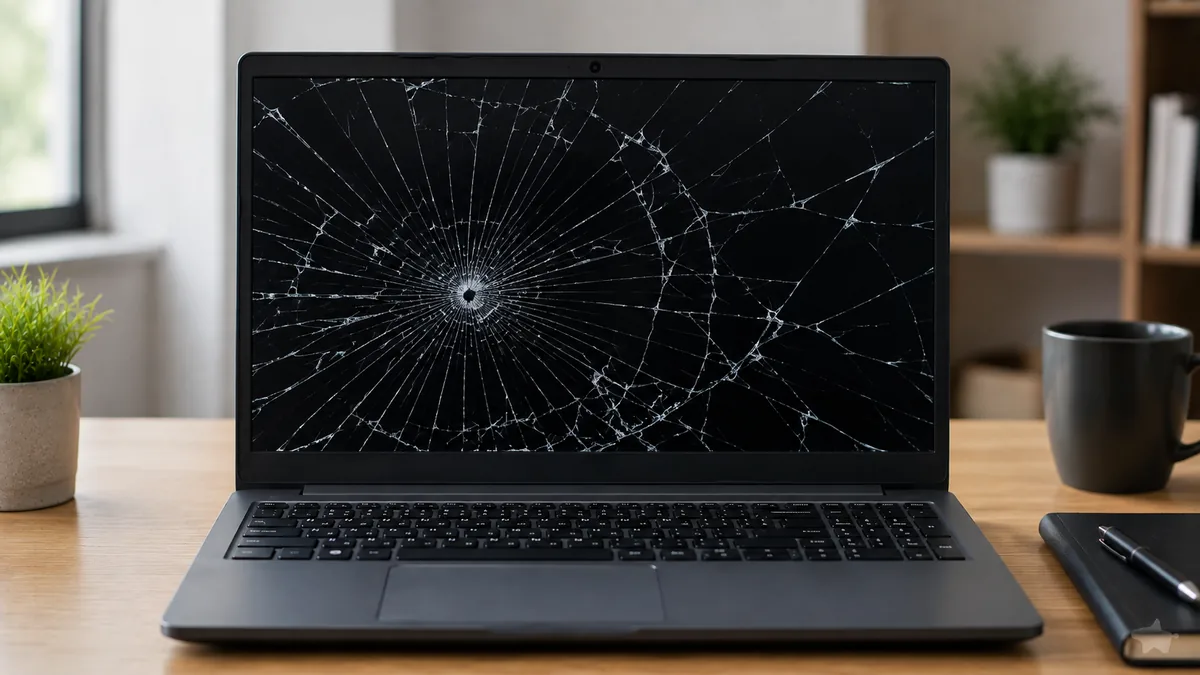
TN panels survive on budget machines: fast, cheap, poor viewing angles, and inexpensive to replace. IPS is the modern default — accurate colour, wide angles, and the panel type in perhaps three quarters of the laptops on our bench. High-refresh IPS at 120Hz, 144Hz, 165Hz or 240Hz appears on gaming machines from ASUS ROG, Lenovo Legion, MSI, Acer Predator and Razer Blade; fitting a 60Hz panel into one of these is a downgrade you would notice within a minute, and it happens more often than the trade admits.
OLED panels — increasingly common on Samsung, ASUS Zenbook, Dell XPS and Lenovo Slim lines — are gorgeous, expensive, and vulnerable to burn-in on static UI elements. Replacement cost is meaningfully higher, and there is no third-party equivalent worth fitting. Bonded touch assemblies on convertibles and Microsoft Surface devices laminate glass, digitiser and panel into one unit; the whole assembly is the service part, which is why Surface Pro screen replacement is genuinely expensive and why we quote it honestly rather than optimistically. MacBook Retina lids follow the same logic and are covered on our MacBook repair page, including the flexgate cable defect on 2016–2017 Pro models.
Every panel carries a model code printed on its rear label. That string, not the screen size, determines compatibility. It encodes six things, all of which must match:
We quote against the part number and we tell you when a panel is an equivalent rather than an identical SKU — and what the difference is in nits and gamut. If the price we quote seems higher than a listing you found online, it is usually because the listing is a different panel wearing the same diagonal.
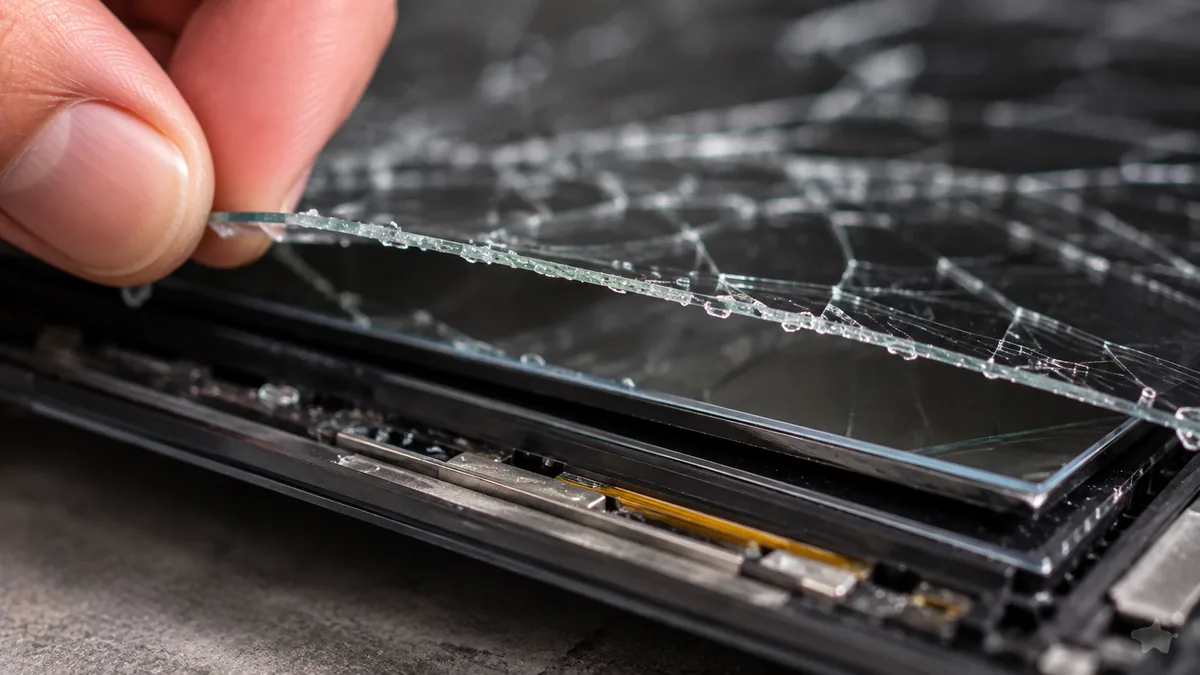
A surprising share of "screen problems" begin at the hinge. As the mounting threads work loose — endemic on cost-engineered Acer and HP chassis, and common on Dell XPS — the hinge starts levering against the plastic instead of pivoting. The bezel lifts, the palm rest cracks, and eventually the hinge tears its bosses out. Along the way it crushes the eDP cable, which is why the flicker started.
Replacing the panel without rebuilding the hinge mount means the new panel takes the same abuse. We rebuild mounting bosses with brass inserts and structural epoxy, replace worn hinges where the friction pack is spent, and route a fresh cable with the correct service loop. It adds an hour. It is the difference between a repair and a deferral. If a quote you have received mentions a panel but not the hinge on a machine whose lid does not sit flush, ask why.
Indicative fitted prices in Singapore dollars, including labour and testing. Your firm quote follows diagnostics.
| Panel type | Typical machines | Indicative fitted price | Turnaround |
|---|---|---|---|
| 1366×768 / 1080p TN or IPS | Mainstream 14–15.6" laptops | S$180 – 280 | Same day |
| 1080p 144–165Hz IPS | ROG, Legion, Predator, MSI, Nitro | S$300 – 430 | Same day – 2 days |
| 2K / 3K high-gamut IPS | XPS, Spectre, ThinkPad X1, Zenbook | S$380 – 560 | 1 – 3 days |
| OLED | Zenbook OLED, Galaxy Book, Slim Pro | S$450 – 650 | 2 – 5 days |
| Bonded touch assembly | Surface Pro / Laptop, convertibles | S$420 – 780 | 2 – 4 days |
| eDP display cable only | Any laptop with flicker on lid movement | S$90 – 180 | Same day |
| Backlight circuit repair | Board-level, faint image under torch | S$120 – 260 | 1 – 3 days |
| Hinge rebuild (per side) | Cracked bezel, lid does not sit flush | S$80 – 190 | 1 – 2 days |
Prices are indicative bands based on recent jobs, not offers. Rare panels, obsolete SKUs and models with soldered display assemblies fall outside these bands and are quoted individually.
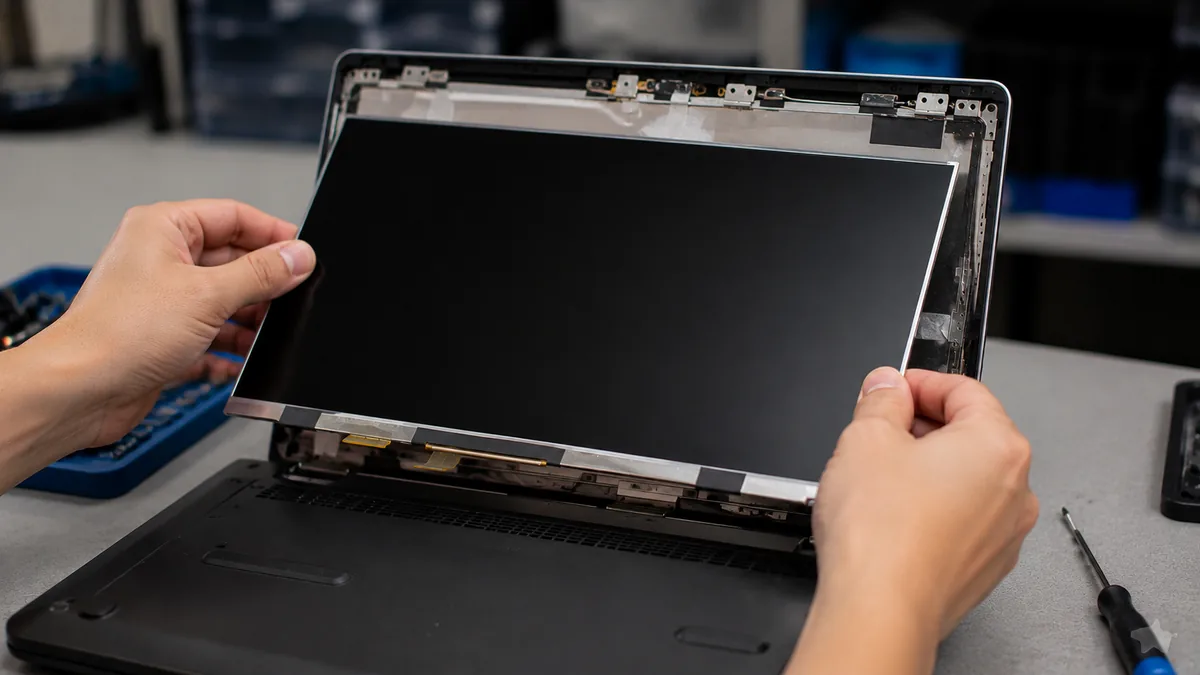
External monitor, torch test, cable flex, backlight rail measurement. We identify which of the four possible faults you actually have.
We read the panel label, confirm resolution, refresh, gamut, brightness and connector, then quote a fitted price that does not move.
Grounded mat, wrist strap, battery disconnected before any cable is touched. Bezels removed with nylon tools, never metal.
New panel fitted, eDP seated with the correct service loop, hinge mounts inspected and rebuilt if compromised.
Uniformity, dead-pixel scan, brightness ramp, and a slow lid articulation from closed to fully open, watching for any flicker.
Part and workmanship covered, terms printed, old panel returned to you on request.
Four habits account for most of the cracked panels we see. Closing the lid on a pen, an earphone or a USB stick left on the keyboard — the single most common cause, and entirely avoidable. Lifting the machine one-handed by a corner of the open lid, which twists the panel in its frame. Carrying it in a bag with a hard object pressing on the lid; a 3mm ridge across a closed laptop is enough. And ignoring a lid that no longer closes flush, which means the hinge is already tearing out and the panel is already under stress.
Beyond that: clean the screen with a dry microfibre cloth or a screen-safe spray applied to the cloth, never to the panel. Household glass cleaners contain ammonia and will haze the anti-glare coating permanently. And if you drop the machine, get the hinge and cable inspected even if the picture looks fine — the crack that appears three weeks later usually started that day.
Because we test the display chain before we sell you a display. Because we quote against the panel part number and tell you when we are fitting an equivalent. Because we rebuild the hinge that broke the screen rather than shipping the machine back to break it again. And because customers walk in from the CBD, Orchard, Novena, Toa Payoh, Bishan, Ang Mo Kio, Jurong East, Bukit Batok, Clementi, Queenstown, Tampines, Bedok, Woodlands, Yishun, Hougang and Punggol, and 4.8 stars across 940+ reviews is not something you keep by guessing.
Verified Google reviews
Real reviews from our Google profile, shown with the customer’s name as they left it. The score and the count are Google’s own, updated every week.
They repair fast and good, my DELL laptop had damaged screen and battery and they fixed it in one day. Diagnosis is free and they quote after checking on the problem. Pre-test testing and post testing done well.. Highly recommend.
Sent my laptop in for a screen replacement at 4:30pm on a Monday, got it back at lunchtime the next day. Super fast and great customer service. Thanks iDevice.
I had a MacBook Pro with a broken screen and they came to the rescue and replace with a new screen within 1 x day. Fantastic service and I would highly recommend.
Had my laptop working fine within 24 hours of service. LCD was replaced too and anyone finding a good laptop repair service, will recommend this place.
Brought my Asus Windows laptop on 27 Oct, screen repaired on 28, 5 star service!
Manage to fix my iPad mini screen as well as the home button with minimal cost incurred compared to Apple Store. It was a very disappointing with Apple Store that they only cares about selling new products to consumers. At least in here, the staffs help you to save either your iPad, iPhone or even Mac book. Thumb up for them!!
Fixed my screen quickly. Cost about what I expected from looking up screen specs/cost online!
my ipad screen was broken and he replaced it for me pretty quickly and the repair price here is quite good, the staff is very friendly
Diagnostic reference
Quote a reference when you message us and we will have the right panel, the right cable and the right bench free before you arrive.
Questions we get every week
Realistic ranges, and we publish them because vagueness benefits nobody. A standard 1080p IPS panel on a mainstream 14–15" laptop sits around S$180–280 fitted. High-refresh gaming panels (144Hz and above), 2K/3K panels, wide-gamut creator panels and OLED panels run S$320–650. Touch-enabled and bonded assemblies — Surface, most convertibles, MacBook Retina lids — sit at the top of that band or above, because the digitiser and glass are laminated to the panel and the whole assembly is replaced. We confirm the exact figure once you send us the model, because the panel part number, not the screen size, sets the price.
Not urgently, but the clock is running. A cracked panel lets moisture and dust reach the polariser and the LED light guide, and the crack propagates every time the lid flexes. More importantly, glass shards work their way into the hinge channel and into the eDP cable, which turns a S$200 panel job into a panel plus cable plus hinge job. If you can live with it for a fortnight, fine. Six months is a false economy.
It is if the technician matches the part number rather than the diagonal. Every panel carries a model code — for example an LP156WFC or an NV156FHM — that encodes resolution, refresh rate, colour gamut, brightness in nits, connector pinout and backlight voltage. We match resolution, refresh, gamut and brightness class, and we tell you plainly when a panel is an equivalent rather than the identical SKU. Where the original was 100% sRGB at 300 nits, we will not fit a 45% NTSC 220-nit panel and call it a screen.
Almost certainly not. That symptom is the classic backlight failure: the LCD is switching correctly, but the LEDs behind it are not lit. The fault is either the backlight boost circuit on the mainboard (a blown fuse, a failed inductor or a dead driver IC), the panel's LED string, or the backlight enable line. Two of those three are a board-level repair costing far less than a panel. See our motherboard repair notes. A shop that quotes a panel without testing the backlight rail has not diagnosed anything.
No, and neither can anyone else, whatever a YouTube video promises. A dead subpixel is a failed transistor in the panel matrix; there is nothing to repair at that scale outside a fab. Backlight bleed is a mechanical consequence of how the light guide is clamped, and pressing on it either does nothing or makes it worse. Stuck pixels — permanently on rather than off — occasionally free themselves with a pixel-cycling video. That is the honest limit of the trick.
Most standard panels are a 45–90 minute job once the part is in hand, so same-day is normal if you tell us the model in advance and we have it in stock. Bonded touch assemblies, MacBook Retina lids and machines needing hinge rebuilds take one to three days because the adhesive needs a controlled cure. Rare panels ordered to your part number typically land within two to five working days.
Whichever is genuinely correct. On a serviceable laptop we replace only the panel, keeping your bezel, hinges, camera and antennas — cheaper for you and less waste. On bonded assemblies (Surface, many convertibles, MacBook Retina) the panel is laminated to the glass and, on some models, to the lid itself; there the assembly is the part. We will always quote the panel-only option first if it is possible.
Every panel we fit carries a written warranty on the part and our workmanship, recorded on your job sheet. It covers panel defects — dead pixels appearing, backlight failure, TCON faults — and anything traceable to our fitting, such as a cable seating badly. It does not cover new physical damage, because a second crack is a second accident. Full terms are on our warranty page.
Same-day fitting on stocked panels. Walk in, or send the model number and a photo and we will quote before you leave the house.