
★★★★★
Very helpful in assisting me with my iPad issue. Highly recommended for any device repair works !!
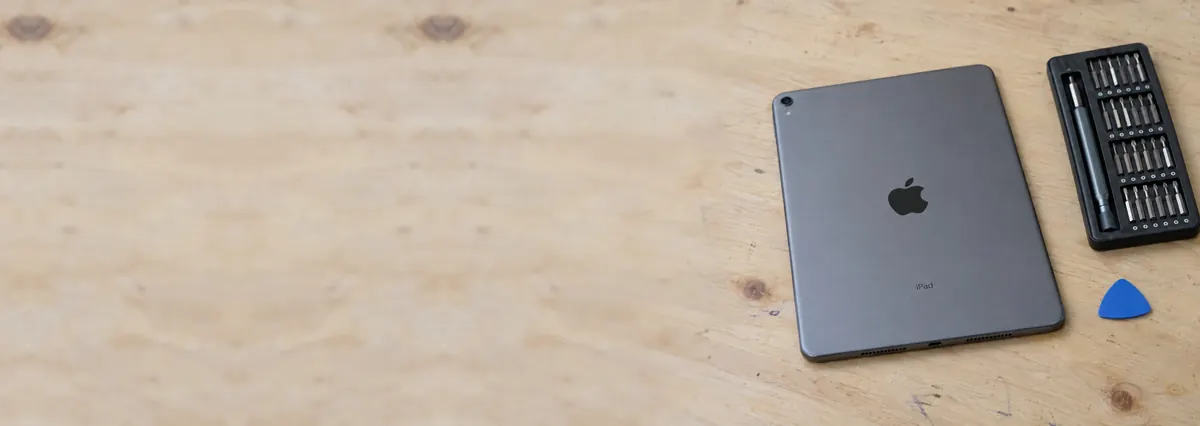
iPads are glued, not screwed. That single fact explains almost every price and every turnaround on this page.
Looking for the price? The price guide for this page is further down — jump straight to it ↓. Diagnosis is free on a walk-in, you get the price in writing before any work starts, and if we cannot fix it you do not pay a repair fee.
On this page
An iPhone opens from the front with two screws and a suction cup. An iPad is a large sheet of glass bonded to an aluminium frame with adhesive that has to be heated and cut through, millimetre by millimetre, without cracking the glass you are trying to remove or the LCD sitting a fraction of a millimetre beneath it.
On older models the digitiser and the LCD are separate, so cracked glass over a working display is a glass-only job. On newer models the two are laminated into one assembly and cannot be separated economically — crack the glass and you are buying the display too. On Pro models the assembly also carries the Face ID hardware and the flex routing is unforgiving.
Diagnostic reference
Bonded assemblies and adhered batteries are why iPad turnarounds are measured in days, not hours.
The battery is adhered to the chassis across most of its area, and it sits directly beneath components you must not lever against. Removing it requires adhesive solvent and patience. A punctured lithium-polymer cell in a sealed aluminium case is a fire, not an inconvenience.
The digitiser flex cables run under the display along the edge of the frame. The single most common way an iPad screen repair fails is a flex nicked during separation, which produces touch that works everywhere except one strip. It cannot be repaired afterwards; the new assembly has to come off and another one goes on.
The charging port is soldered to the logic board on many iPads rather than sitting on a replaceable flex. A worn port is therefore board-level rework, not a parts swap, which is why the honest turnaround is days rather than hours.
iPads age well. The processor in a five-year-old iPad is still comfortable with video, browsing, notes and drawing, and the display is usually as good as the day it shipped. What fails is the battery and the glass — the two cheapest things on it to fix. A battery replacement and a screen on a device that would otherwise be replaced is the clearest value in this trade.
The exception is a bonded Pro assembly on a device that is already old, where the part alone can approach the value of the tablet. We will tell you when you have reached that line. It is not in our interest to, and we do it anyway, because the alternative is a customer who feels cheated six months later.

Almost every iPad repair is one of a handful of parts, and each one behaves differently once the glass is off. Here is what we are actually doing when you hand us the tablet, part by part, so the turnaround and the price make sense before you commit to anything.
The single most misunderstood thing about iPad screens is that the words “glass” and “display” can mean one part or three, depending on your model. On older iPads the front glass carries the touch layer (the digitiser) and sits above a separate LCD, joined only by a thin frame of adhesive. Crack that glass while the picture underneath is still perfect and we can replace the digitiser on its own — the cheaper, self-contained job. On every recent iPad the glass, digitiser and LCD are optically bonded into a single laminated pane with no air gap. That lamination is what makes the display look painted onto the surface, and it is also why a cracked laminated screen means buying the whole assembly: nobody can split the layers apart economically without ruining the LCD.
The labour is the same either way and it is unforgiving. We warm the perimeter until the adhesive softens, then work a thin blade or cutting wire around the edge millimetre by millimetre, keeping clear of the digitiser flex cables tucked under one side and the battery sitting a hair beneath the other. The old adhesive is scraped from the frame, every shard of glass is cleared away from the battery, the new assembly is bonded with fresh double-sided adhesive and then clamped while it cures. Rush the cure and the screen lifts at a corner a fortnight later. This is the honest reason an iPad screen is measured in days while an iPhone screen is measured in an hour. See our dedicated iPad screen replacement service for the models we cover, laminated versus non-laminated pricing, and the full process.
An iPad battery is a flat lithium-polymer pouch glued to the chassis across almost its entire footprint, frequently with the logic board or a bracket sitting directly on top of it. There are no pull-tabs like a phone; freeing it means flooding the adhesive with solvent and lifting slowly with a plastic tool, never a metal one, and never by folding or forcing the cell. A pouch cell that is creased or punctured does not fail quietly — it vents and can catch fire. If your iPad case is bulging, the glass is lifting off one edge, or the whole thing rocks on a flat table, the battery has swollen and you should stop charging it and stop using it until we can take it out safely. Our iPad battery replacement service covers the warning signs, the swollen-battery safety steps and what it costs.
Which port you have depends on the model and roughly the year: older iPads use Lightning, while the recent iPad Pro, iPad Air, iPad mini and the latest standard iPad have moved to USB-C. Either way, the port on many iPads is soldered straight onto the logic board rather than clipped onto a cheap replaceable flex the way an iPhone port is, so a genuinely worn port is microsoldering work, not a parts swap — which is exactly why the turnaround on it runs to days. Before any of that, though, we check the obvious: a huge share of “charges only at an angle” complaints are simply pocket lint compacted into the bottom of the port, and clearing that out at diagnosis costs you nothing.
The power and volume buttons ride on flex cables run along the inside edge of the frame, held down with adhesive and sometimes threaded past the display assembly. A dead or mushy button is usually a worn flex or one knocked loose by a drop. None of it is complicated in isolation, but reaching it still means opening a glued device, so we bundle button work into whatever else the iPad is in for wherever we can.
On iPads that still have a Home button, that button is not just a clicker — it holds the Touch ID fingerprint sensor, and that sensor is paired to your logic board at the factory. The practical consequence matters: during a screen replacement we carefully transfer your original Home button across to the new assembly so Touch ID keeps working. If the original button was itself destroyed in the crash or the crack, we can fit a generic button that clicks and returns you to the home screen, but fingerprint unlock cannot be brought back by anyone, because a new sensor will not pair to your board. We always tell you which situation you are in before we start.
The iPad Pro has no Home button; it uses Face ID, and the TrueDepth camera and dot projector behind the glass are serialised to the device in the same way. That makes a Pro screen replacement a more delicate job than it looks, because nicking the Face ID flex while separating a bonded Pro display can disable face unlock for good, with no third-party path to re-pair it. We route around that hardware deliberately and slowly, and if Face ID was already dead from the original impact we say so rather than let you discover it at collection.
The front and rear cameras, the speakers at the corners and the microphones all sit on their own flex connectors and are individually replaceable. A cracked rear camera lens, a camera that will not focus, a speaker that has gone tinny after a splash — these are all everyday fixes. The only catch is the same one that governs the whole tablet: getting to any of them means opening a device that was sealed with adhesive, so we would rather do them together with a screen or battery job than open the same iPad twice.
People bring in “an iPad” the way they bring in “a laptop”, but the four families behave very differently on the bench. Tell us the model — it is on the back in tiny print, or we can read it from Settings — and we can usually price the job from a photo.
iPad (the standard model) — the value line, and the one most likely to be worth a cheap glass-only repair if it is an older non-laminated generation. The newer standard iPads are laminated and the most recent one moved to USB-C, so the same “iPad” name spans two quite different repairs.
iPad Air — thinner and laminated from the Air 2 onward, so a cracked Air almost always needs a full display assembly. The recent Air models use USB-C and a side-mounted Touch ID button in the power key.
iPad mini — the fiddliest of the lot simply because everything is packed into a smaller shell with less room for error around the battery and flex cables. The mini 6 brought USB-C and slimmer bezels that leave even less margin during separation.
iPad Pro — the most capable and the most expensive to repair. Laminated ProMotion display, Face ID, USB-C, and on the newest models an M-series chip. The bonded Pro assembly is the one part that can approach the value of an older tablet, and the Face ID hardware makes screen work exacting. We are candid about that maths before you spend.
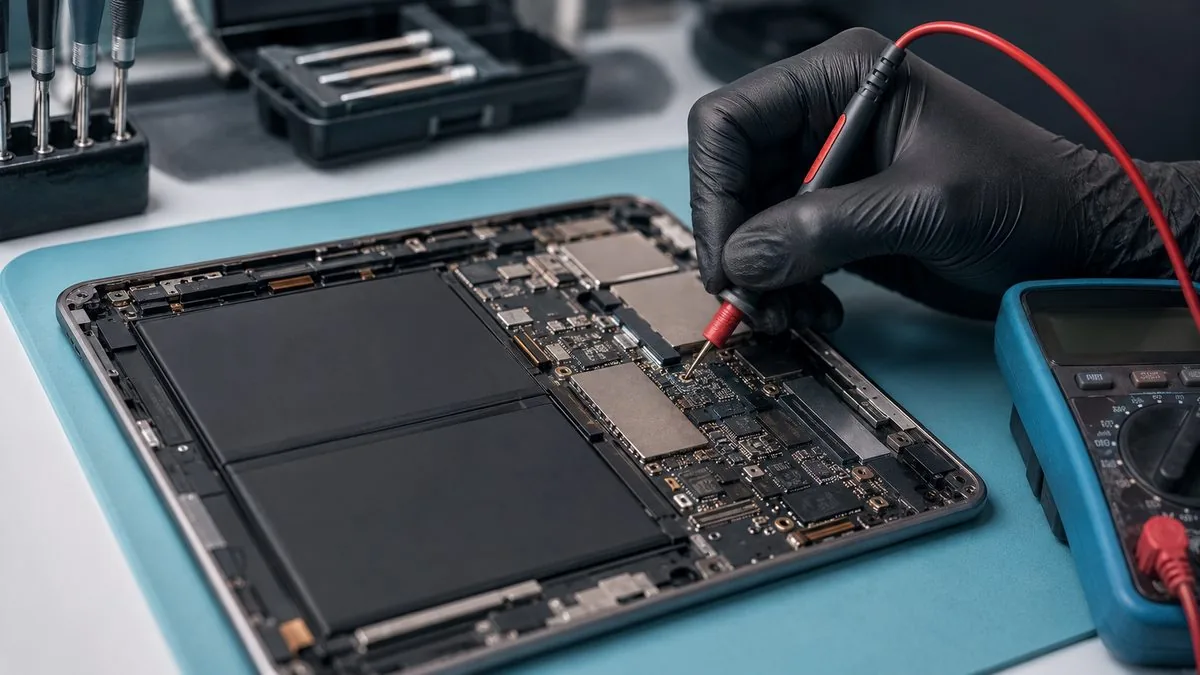
The great majority of iPad repairs never go near your files. A screen, a battery, a charging port, a button or a camera is mechanical work, and your photos, notes and apps sit untouched on storage we do not open. The important exception is that iPad storage is soldered to the logic board and cannot simply be lifted out and read on another machine the way a laptop drive can. So if the fault is a dead device, a board that will not power on, or liquid damage, we cannot promise the data will survive the repair, however carefully we work.
The safe habit: back up before you hand any device over, while it still turns on. iCloud does it in the background over Wi-Fi, and a wired backup through a Mac or a PC captures everything in one go. If your iPad no longer powers on and holds data you cannot lose, tell us at intake — that becomes a data recovery conversation before it is a repair conversation.
Not every iPad fault is a part you can swap. Some sit on the logic board itself, and the tell is usually that a part swap does not solve the symptom — a new battery that still will not charge, a new port on a tablet that still shows no image, a device that stays dark no matter what you plug in. No power at all, a boot loop at the Apple logo, charging that stops working after a drop or a spill, backlight that has gone black while touch still registers: these point at the board, where the fix is tracing a failed circuit under a microscope and reworking components the size of a grain of sand.
That is a different discipline from parts replacement, and it is the one that separates a repair centre from a parts counter. We do it on the same bench, with a preheater, hot air and fine solder, and we explain it in full on our iPad motherboard repair page. If you are weighing an iPad repair against a MacBook or iPhone fault at the same time, our Apple repair in Singapore hub covers every device on one bench, and the approach carries straight across to iPhone parts replacement, which shares the same glued-and-bonded challenges in a smaller shell.
We are at 6 Harper Road, Leong Huat Building #05-02, a short walk from Tai Seng MRT on the Circle Line and an easy trip from Paya Lebar, MacPherson, Bartley and the towns across the north-east. Walk in with the iPad, tell us what happened, and the first-line diagnosis is free. You leave with a written quote, and nothing is opened further or ordered until you say yes to the figure — the price we write down is the price you pay.
Singapore’s climate earns a mention here. Constant humidity is unkind to any sealed device, and the moisture that creeps in around a cracked screen or a worn port is a slow corrosion problem we see often, which is another reason not to run a damaged iPad for months before bringing it in. Every completed repair leaves with a written warranty on the job sheet covering the part and the workmanship, and our promise is the plain one we make on every device: component-level repair over parts-swapping wherever it is honestly better for you, and if we cannot fix it, you do not pay a repair fee. Most customers drop off in person; islandwide courier collection is there for the times that is easier. Browse the iDevice Resource Centre if you want to read up before you decide.
How the repair runs
We record what happened and when. A device that was dropped, a device that met liquid and a device that simply stopped are three different investigations.
Visual inspection, power draw on the bench supply, and board inspection under the microscope where the symptom points at the board.
You get the fault, the proposed fix and the price. Nothing is opened further, and nothing is ordered, until you say yes.
ESD-controlled bench, grounded mat, battery isolated before any connector is touched. Board-level work is done under the scope with hot air and a soldering iron, not by swapping.
We reproduce the conditions that caused the fault and confirm it is gone, then run the device under load before it goes back in its box.
Terms printed on the job sheet. Old parts returned on request where they are not exchange units.
Related services
No power, no charge, no image. Component-level diagnosis under the scope.
See the service →MacBook, iMac, iPad and iPhone on one bench.
See the service →Storage is soldered down. That changes everything about recovery.
See the service →iPad repair is the one people most often assume is not worth doing, and the reason is Apple’s pricing rather than the repair itself. These are the bands we work to:
| Repair | Our band (SGD) | What drives the price |
|---|---|---|
| iPad screen replacement | From around $90 to $400 | Non-laminated (glass only) vs laminated full assembly; Pro and Air cost most |
| iPad battery replacement | From around $79 to $149 | Battery size; the bonded display has to be opened to reach the cell |
| iPad board-level repair | From around $120 to $800 | Which component failed; charging circuits, cracked joints, bench hours |
Apple does not publish a screen repair price for iPad at all. There is no “iPad screen replacement” line on Apple’s Singapore estimator the way there is for iPhone — a cracked iPad screen is handled under “other damage”, which is Apple’s whole-unit price. That is why a cracked screen on an iPad Air (5th generation) shows as S$735 at Apple, and why an independent screen replacement is usually a fraction of it. It is the single biggest reason people assume a cracked iPad is a write-off when it is not.
| Your iPad | Apple battery service | Apple “other damage” (whole unit) |
|---|---|---|
| iPad (9th gen) | S$139 | S$425 |
| iPad (10th gen) | S$179 | S$499 |
| iPad mini (5th gen) | S$179 | S$429 |
| iPad mini (6th gen) | S$179 | S$585 |
| iPad Air (4th gen) | S$179 | S$625 |
| iPad Air (5th gen) | S$179 | S$735 |
| iPad Air 11-inch (M4) | S$199 | S$825 |
| iPad Pro 11-inch (M5) | S$265 | S$1,465 |
| iPad Pro 13-inch (M5) | S$295 | S$1,695 |
Our figures are bands, not quotes — the exact price depends on the model and what the diagnosis finds, and you get a written quote before any work starts. Apple prices where shown were read from Apple’s official Singapore service estimator on 16 August 2026 and are for comparison only; Apple states it will inspect the device to determine the final fee, that a delivery fee may apply, and that Apple Authorised Service Providers set their own fees.
More detail on the individual jobs: iPad screen replacement, iPad battery replacement and iPad motherboard repair.
Full ladders across every device: device repair cost guide, laptop repair cost, MacBook repair cost and iPhone repair cost.
Questions we get every week
Start with what the iPad is doing.
Verified Google reviews
Real reviews from our Google profile, shown with the customer’s name as they left it. The score and the count are Google’s own, updated every week.
Very helpful in assisting me with my iPad issue. Highly recommended for any device repair works !!
I m a repeated customer to iDevice Esplanade Xchange to repair my 2 ipads. Their price is reasonable n their service is fast n good. A short warranty period will b given to customers too after the repair. Trusting their service always n thanks to Dean for this repair.
Manage to fix my iPad mini screen as well as the home button with minimal cost incurred compared to Apple Store. It was a very disappointing with Apple Store that they only cares about selling new products to consumers. At least in here, the staffs help you to save either your iPad, iPhone or even Mac book. Thumb up for them!!
my ipad screen was broken and he replaced it for me pretty quickly and the repair price here is quite good, the staff is very friendly
Dean was the best...i took my ipad with some issues..he immediately rectified it..he was so helpful & accomodating..we need more people like him in industry like this..thumbs up for Dean👍👍👍👍👍
Great service. Reliable and professional. Feel safe handing over my ipad and just let them do the job! Recommended!
Nash was very helpful and friendly to assist me with the repair of my ipad mini. Thank you!
Amazing service provided. Repaired my Ipad screen here. Staffs are friendly and responsive.
Diagnostics first, quote second, repair third — and you decide between each one. Bring it in, or send a photo and we will tell you what we think it is.