
★★★★★
I got the motherboard issue fixed on my 16” MacBook Pro. No data was lost, and everything is the same as before. As promised, I also received a 60-day service warranty. Thank you, iDevice! 😊
Service · Component level · Singapore
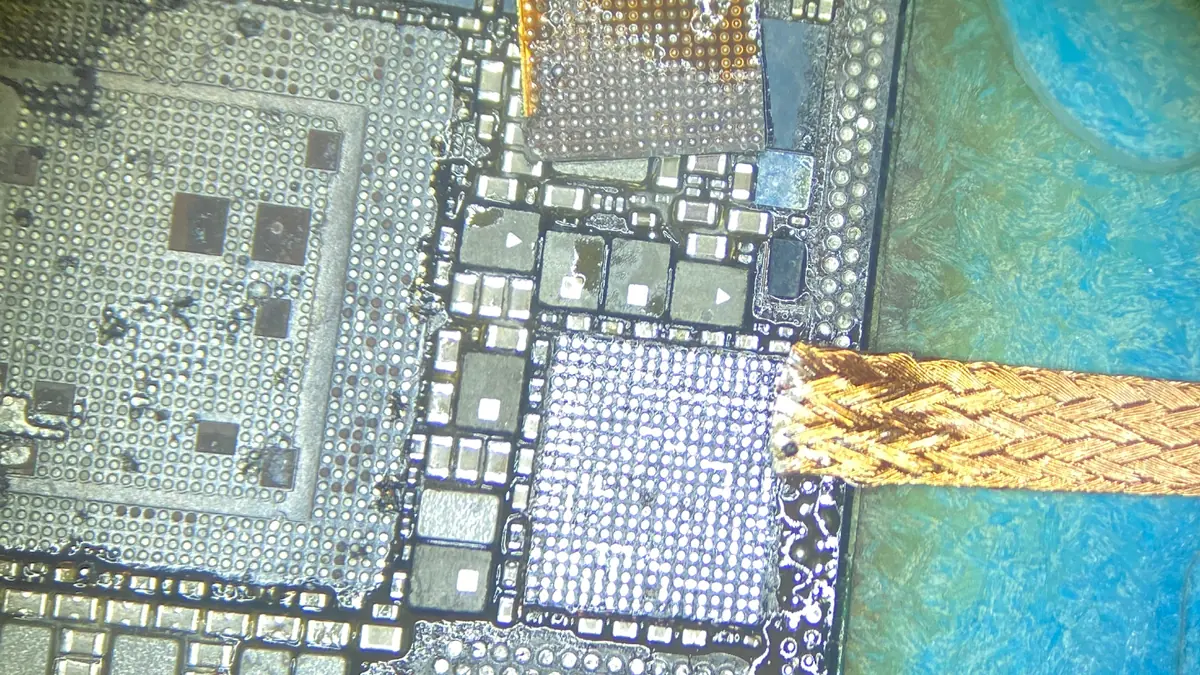
A dead laptop is rarely a dead board. We diagnose the mainboard on a bench supply and a thermal camera, trace the fault to the actual failed component, and repair it under the microscope — instead of quoting you the price of a whole replacement board.
A slice of this week's board bench log
Board-level laptop repair starts at around S$180 and is quoted by bench hours, typically 3–7 days, case by case. Diagnosis is free on walk-ins, you get a written quote before any work starts, and if we cannot fix it you do not pay a repair fee. See how we arrive at that.
On this page
The laptop motherboard — the mainboard or logic board — is the single circuit board that everything else plugs into. It carries the CPU, the memory, the power-delivery circuitry that turns your charger's voltage into the dozen or so rails the machine needs, the charging controller, an embedded controller that supervises boot, the input-output ports, and on many machines a discrete graphics chip with its own power delivery. When people say a laptop is "dead", the fault is almost always somewhere on this board, and almost always in one identifiable place rather than everywhere at once.
There are two ways a shop can respond to a board fault. The common one across Singapore is board swapping: decide the mainboard looks faulty, order a replacement, charge you for it. It is quick and highly profitable, and it is why owners are routinely told a S$1,000 board is dead when the real culprit is a S$4 capacitor. The other way — the one we practise — is component-level repair: find the single failed component and replace just that. It needs a schematic, a boardview, a microscope, and someone who can remove and refit parts without cooking the board around them. It is slower and it is harder, and it saves you most of the money.
Motherboard problems announce themselves in a handful of recognisable ways. None of them is a diagnosis on its own, but each narrows the search dramatically before the machine is ever opened:
If your machine matches one of these, send us a two-line description and a photo before you travel; we can usually give you a probable cause and an honest price band from the symptom alone.
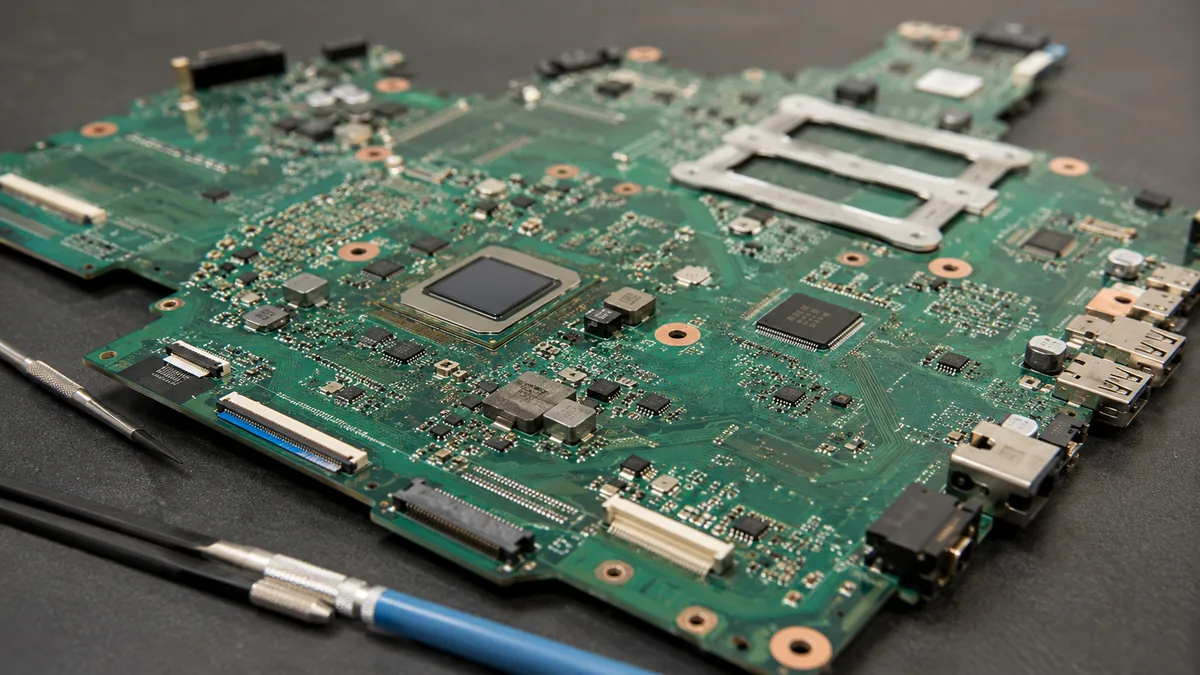
Below is the bench reference our technicians use during intake. The reference codes are ours, not an industry standard — quoting one over WhatsApp simply lets us free the right bench and prepare the right tools before you arrive. Turnaround assumes the fault behaves the way the symptom suggests; a board fault we have not yet traced never gets a fixed schedule.
Diagnostic reference
The faults that account for most board repairs on our bench, in roughly the order we see them.
Send a photo and a two-line description of what the machine does. A technician replies with a probable diagnosis and an honest price band before you leave the house.
Every board that reaches our bench follows the same disciplined path. The point of a fixed process is that nothing is skipped and nothing is guessed — a board rewards patience and punishes shortcuts.
Two honest limits sit at the front of every quote. First, a board with catastrophic physical damage — a snapped PCB, a crater where a connector used to be, a delaminated CPU package — is often beyond economical repair, and we say so on day one rather than after you have paid. Second, some designs pair the storage or a security element to the board cryptographically, so replacing the board means the storage cannot be read afterwards; that is a data recovery decision as much as a repair decision, and we raise it before we touch anything.
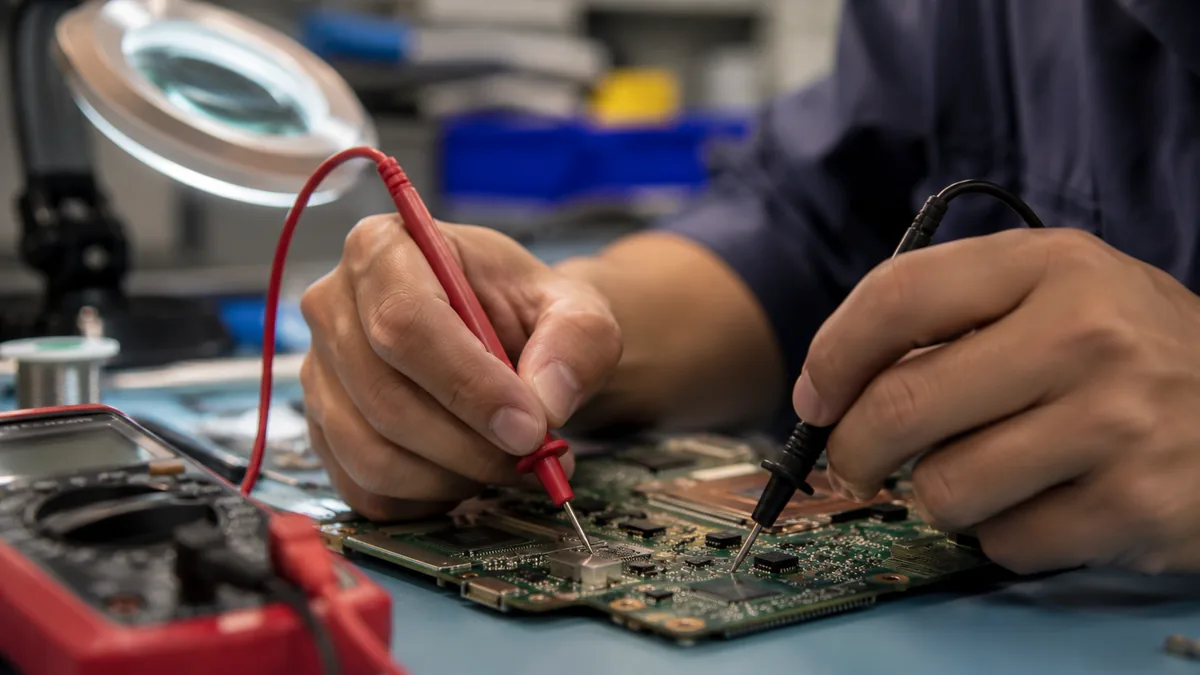
When a laptop develops graphical artefacts and then loses its display, the cause is often a graphics chip whose solder balls have fatigued and lost contact after years of heating and cooling. There are two responses, and only one of them is a real repair. A reflow simply heats the board until the old solder softens and, with luck, re-seats the cracked joint. It can bring a machine back for a few weeks, which is why unscrupulous shops sell it — but the underlying solder is still fatigued, and it will fail again, usually worse, and the heat makes the eventual proper repair harder. A reball removes the chip completely, cleans away all the old solder, applies a fresh, uniform set of solder balls with new underfill for mechanical support, and refits it. That is the permanent fix, and it is the only board-level graphics repair we will put our name to. We also tell you honestly when a reball is not worth doing against the machine's value — a truthful "replace it" is part of the service.
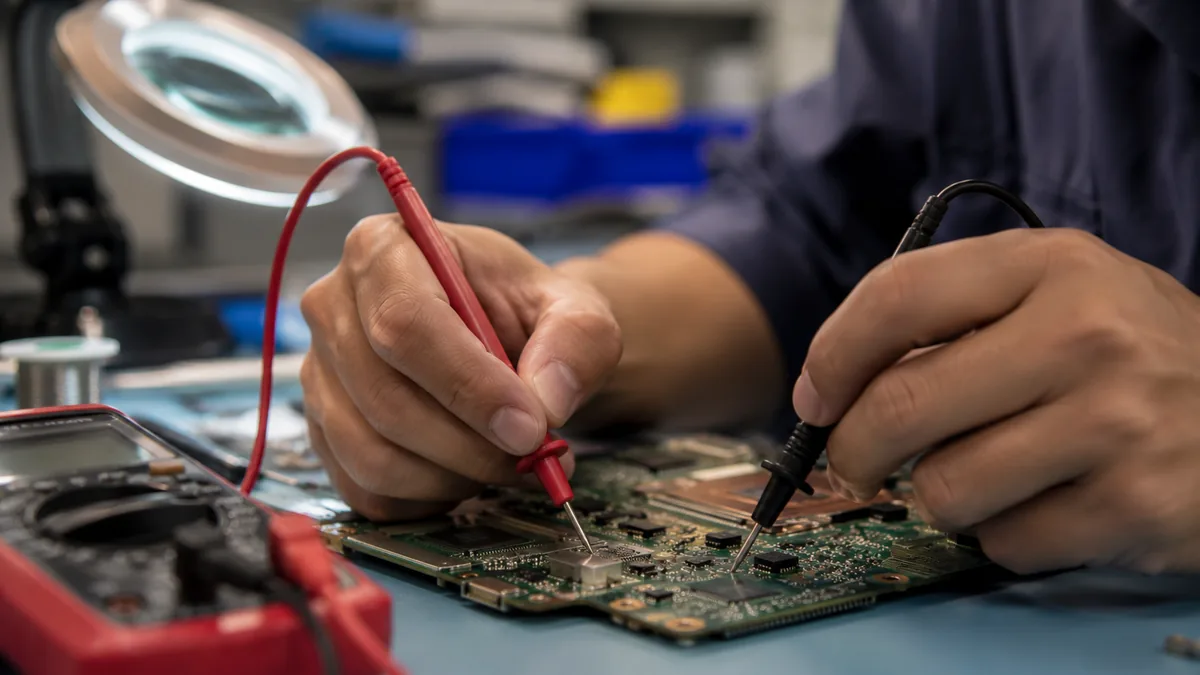
Most of the boards we repair failed for reasons that were, in hindsight, avoidable. A few habits meaningfully extend a mainboard's life in Singapore's heat and humidity:
Because we show you the fault under the microscope and photograph it. Because the quote is written before any rework starts and does not change afterwards. Because every completed repair carries a written warranty on parts and workmanship, and if we cannot fix it you do not pay a repair fee. And because a board is the one repair where honesty is worth more than the margin on an unnecessary part — telling you the truth about your machine, including when the truth is that it is not worth saving, is the whole basis of the trade we have built over fourteen years.
Verified Google reviews
Real reviews from our Google profile, shown with the customer’s name as they left it. The score and the count are Google’s own, updated every week.
I got the motherboard issue fixed on my 16” MacBook Pro. No data was lost, and everything is the same as before. As promised, I also received a 60-day service warranty. Thank you, iDevice! 😊
Super fast and efficient. My motherboard spoiled, spent $350 to replace it, better than getting a new laptop at 2-3k. Hopefully can last for another year 😆
Fixed my MacBook Air A1932 with motherboard issues within a week. Helpful staff. Thanks 👍
Was able to fix water damage/ motherboard issue in around 1 week, service was good as well.
My ipXS max no power after not using for few years and they managed to repair successfully with battery change and no need repair motherboard 👍
Lenovo laptop motherboard repair. Send in on 19 Feb 2024 repair done by 26 Feb 2024.. repair within the promised time frame.. good service.. free diagnostic.. update promptly about the status.. good service...
They are very professional and good. They fixed my laptop quickly, fixed the mother board and they managed to keep all of my data. Well done!
Big thanks to Mel and her team for helping me resolve my “flexgate” issue. They did their best despite their manpower shortage and was always responsive to my queries! 😊
Related services
Microsoldering for MacBook Air and Pro — no power, no backlight, no charge.
See the service →Worn jacks, USB-C ports and charging ICs that leave a board drawing nothing.
See the service →Imaged first on write-blocked hardware, even from a board beyond repair.
See the service →Questions we get every week
Component-level board repair is priced by bench time and difficulty, not by the size of the part, because the part is often a capacitor or a charging chip that costs a few dollars. A found-fast fault such as a shorted capacitor or a failed charging IC typically sits in the low-to-mid hundreds; a traced intermittent fault, a GPU reball with fresh underfill, or liquid-corrosion recovery runs higher because it takes longer on the bench. We read the board on a bench supply first, then give you a written quote you approve before any rework begins.
Almost always cheaper to repair the fault than to replace the whole board. A replacement mainboard is one of the most expensive parts in the laptop and often has to be sourced, whereas the real fault is usually a single failed component on an otherwise healthy board. That is the entire argument for component-level work: we fix the twenty-cent cause instead of selling you the thousand-dollar assembly around it. Where the board is genuinely beyond economical repair, we tell you on day one.
Usually not. In our intake logs a genuinely dead board is roughly one in five no-power cases. The rest are charging ICs, blown input fuses, failed DC-in jacks, faulty power buttons, dead batteries preventing boot, or a single shorted component pulling a rail to ground. We put the machine on a bench power supply and read the current it draws in the first second — zero draw points to an open circuit, high draw points to a short, and normal standby with no boot points to a sequencing fault. That one number decides the repair.
A reflow simply heats the board until the existing solder softens and hopefully re-seats a cracked joint; it can revive a machine for a few weeks and is not a real repair. A reball removes the chip entirely, cleans off the old solder, applies fresh solder balls and new underfill, and refits it — that is the permanent fix. We do not sell reflow as a lasting repair. Where a GPU or PCH has genuinely lost solder-ball contact we reball it, and we tell you honestly when a reball is worth doing against the value of the machine.
The storage is separate from the fault in most laptops, so your data is normally safe throughout a board repair. Where the storage is soldered to the board — as on some ultrabooks and 2-in-1s — we treat the job as a data question as well as a repair, and we raise that before touching anything. Even when a board is beyond repair we can usually pull or read the storage and recover your files; our data recovery service images drives on write-blocked hardware so nothing is written to a failing disk.
Three to seven working days is realistic for most board repairs. Tracing an intermittent fault on a multilayer board is not a fixed-duration task — the honest answer is that we do not know on day one whether it is a shorted capacitor found in an hour or a deeper fault found on day four. Liquid-damage boards need soak-testing time after cleaning. We update you at the point we actually know what the fault is, not only at the end, and we never rush a board because rushing a board is how boards die.
Yes, and the sooner it reaches us the better the odds. Liquid does not kill a board by shorting it once; it kills it slowly through electrochemical corrosion that keeps eating traces for days. We fully disassemble, disconnect the battery, clean the boards ultrasonically, clear corrosion back to copper, re-tin pads, jumper broken traces under the microscope, and replace shorted components — then power the board on a bench supply and soak-test it before it goes back into the chassis. Brought in the same day, recovery odds are strong; after a week of intermittent use they fall sharply.
Walk-ins welcome from the CBD, Orchard, Novena, Toa Payoh, Bishan, Ang Mo Kio, Jurong East, Clementi, Tampines, Bedok, Woodlands, Yishun, Hougang and Punggol. Courier collection islandwide for machines that should not be moved.