
★★★★★
Very helpful in assisting me with my iPad issue. Highly recommended for any device repair works !!
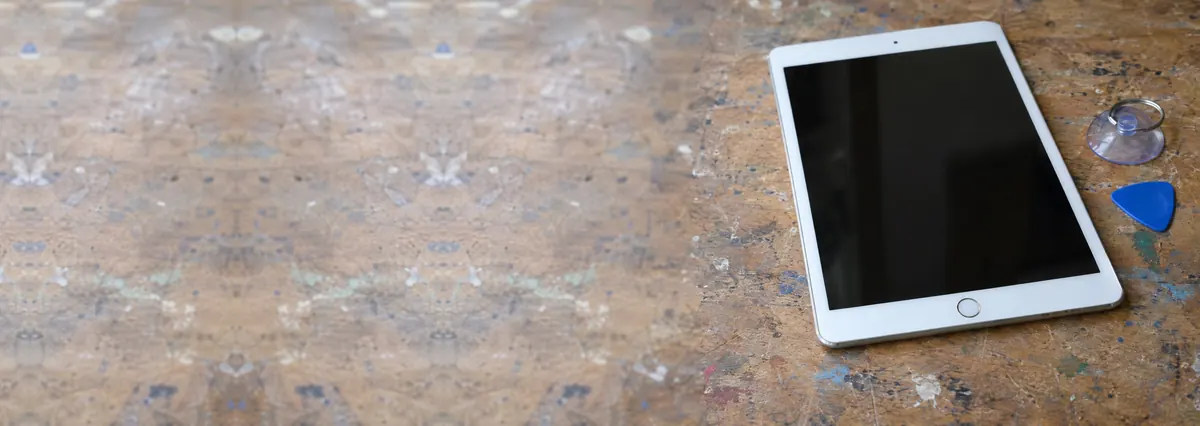
Service · iPad, Air, Pro & mini · Singapore
Cracked glass, a screen that has stopped responding to touch, lines or dead patches on the display, or a shattered corner — we replace iPad, iPad Air, iPad Pro and iPad mini screens with the correct laminated or non-laminated assembly for your exact model, open the bonded glass carefully, test Apple Pencil and touch across the whole panel, and quote in writing before any work. Your data is never touched.
A slice of this week's iPad screen bench log
Looking for the price? The price guide for this page is further down — jump straight to it ↓. Diagnosis is free on a walk-in, you get the price in writing before any work starts, and if we cannot fix it you do not pay a repair fee.
On this page
We fit screens across the whole range: the standard iPad from the older Lightning models through to the current USB-C generations; the iPad Air, including the M1 and M2 models; the iPad Pro in both 11-inch and 12.9-inch sizes; and the iPad mini. A cracked or unresponsive iPad screen is one of the most common repairs we see — tablets get carried loose in bags, propped up and knocked over, and handed to children — and it is very fixable. It lives on the same bench as the rest of our iPad repair and Apple repair work, and the key to doing it well is knowing exactly which kind of screen your iPad has.
Unlike a laptop, an iPad screen comes in two fundamentally different constructions, and it is the single biggest factor in what a repair costs.
Part of the value of bringing an iPad to an independent workshop is that we identify which type yours is, honestly, and quote the right repair — rather than defaulting to the most expensive assembly on every job. Tell us the exact model and we will tell you which construction it uses and what each route costs.
iPad screen faults fall into a few clear groups, and which one you have decides the repair:
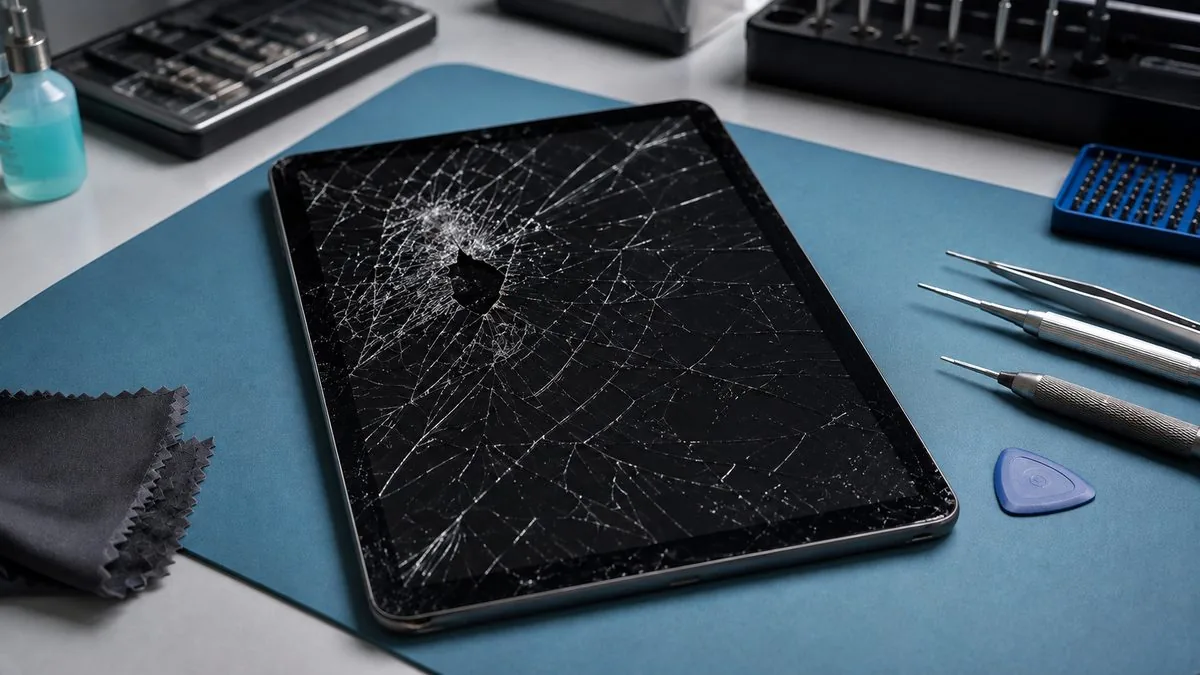
The most expensive mistake in iPad screen repair is replacing the wrong thing. A shop that only ever swaps the whole assembly will charge you for an LCD you did not need; a shop that swaps a screen when the real fault is a cable or the board will leave you with the same black display and a bill. On the bench we separate the three cleanly — we confirm whether touch, image and backlight are each working, test the display cable, and rule out a board-level cause before we quote. If the glass is cracked but the LCD beneath is perfect, you hear that; if the screen is fine and the fault is deeper, that goes to our iPad motherboard repair bench instead of costing you a screen you did not need.
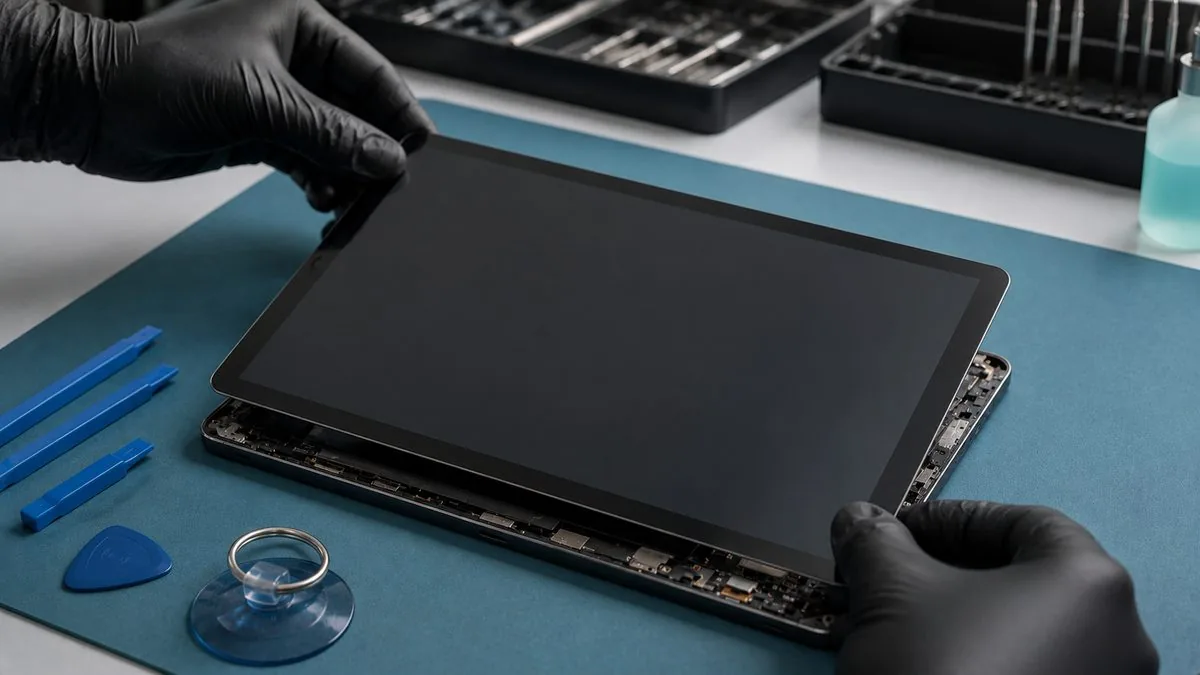
On a laminated iPad, screen quality is not just about the crack disappearing — it is about Apple Pencil tracking cleanly to the edges, multi-touch feeling right, and the display matching the original for brightness and colour. That all depends on fitting the correct assembly for your exact model and seating it precisely. A cheap, mismatched panel is where you get laggy Pencil tracking, a mushy or unresponsive touch feel, or a picture that looks slightly off — so we match the part to the model and test Pencil and touch across the whole screen, corner to corner, before the iPad goes back to you. On the older non-laminated iPads we take the same care with the air-gap alignment so the finished screen looks and feels the way it should.
Here is the part worth knowing. Apple's out-of-warranty screen service for iPad is often not a screen repair at all — it is a whole-unit swap. You hand in your iPad and receive a different replacement device for a set fee, then set it up again from your backup. It is quick, but you pay a fixed price, lose the exact iPad you own, and go through the reset-and-restore. An independent screen replacement opens your iPad, fits a new screen, and hands back the same device — often for less, and with your apps and data untouched. Where your iPad is still inside its warranty or covered by AppleCare+, we will say so and point you there if it is the better deal. We are not affiliated with or authorised by Apple; we are the independent alternative, and our job is to give you the honest comparison — including, on a badly damaged or very old iPad, whether a repair is worth it at all.
Every completed iPad screen replacement carries a written warranty on the screen we fitted and the workmanship, printed on your job sheet and specific about what is covered and for how long. Fresh accidental damage after collection — a new drop, a fresh crack, liquid — sits outside a defect warranty, and we explain exactly where that line falls before you pay. If a replacement screen shows a genuine fault within the warranty period — a touch dead spot, a display fault, adhesive lifting — bring it back and we make it right. This warranty is our own and is independent of any remaining Apple cover; we are not affiliated with or authorised by Apple, and where your iPad is still under AppleCare+ we will tell you honestly if that is the better route.
Because we identify the right repair — glass, assembly or board — instead of charging everyone for the most expensive part. Because we match the screen to your exact model and test Apple Pencil and touch corner to corner, so it feels like your iPad again, not a cheap panel. Because we open the bonded glass slowly rather than cracking a second screen in a hurry, write the quote before the work so it does not change after, and back every job with a written warranty. And because your data is never touched, and if we cannot fix it you do not pay a repair fee. After fourteen years and more than nine hundred reviews averaging 4.8 stars, telling you the truth about your iPad matters more to us than the margin on one screen. If your tablet needs more than a screen, the same bench covers iPad battery replacement and iPad motherboard repair.
Related iPad & Apple services
Swollen, worn and screen-lifting batteries, replaced safely.
See the service →No power, no image and charging-circuit faults.
See the service →iPhone, iPad, MacBook and iMac, independently repaired.
See the service →What moves the price on an iPad screen is whether the display is laminated. On older, non-laminated iPads the outer glass is a separate layer and can be replaced on its own. On laminated models the glass and panel are bonded into one assembly, so the whole assembly is the part. That single difference is most of the range below.
| Repair | Our band (SGD) | Typical turnaround |
|---|---|---|
| iPad screen replacement | From around $90 to $400 | Same day to 2 days |
| iPad battery replacement | From around $79 to $149 | Same day to 1 day |
Apple does not publish a screen repair price for iPad at all. There is no “iPad screen replacement” line on Apple’s Singapore estimator the way there is for iPhone — a cracked iPad screen is handled under “other damage”, which is Apple’s whole-unit price. That is why a cracked screen on an iPad Air (5th generation) shows as S$735 at Apple, and why an independent screen replacement is usually a fraction of it. It is the single biggest reason people assume a cracked iPad is a write-off when it is not.
| Your iPad | Apple battery service | Apple “other damage” (whole unit) |
|---|---|---|
| iPad (9th gen) | S$139 | S$425 |
| iPad (10th gen) | S$179 | S$499 |
| iPad mini (5th gen) | S$179 | S$429 |
| iPad mini (6th gen) | S$179 | S$585 |
| iPad Air (4th gen) | S$179 | S$625 |
| iPad Air (5th gen) | S$179 | S$735 |
| iPad Air 11-inch (M4) | S$199 | S$825 |
| iPad Pro 11-inch (M5) | S$265 | S$1,465 |
| iPad Pro 13-inch (M5) | S$295 | S$1,695 |
Our figures are bands, not quotes — the exact price depends on the model and what the diagnosis finds, and you get a written quote before any work starts. Apple prices where shown were read from Apple’s official Singapore service estimator on 16 August 2026 and are for comparison only; Apple states it will inspect the device to determine the final fee, that a delivery fee may apply, and that Apple Authorised Service Providers set their own fees.
See also iPad repair Singapore and the full device cost guide.
Verified Google reviews
Real reviews from our Google profile, shown with the customer’s name as they left it. The score and the count are Google’s own, updated every week.
Very helpful in assisting me with my iPad issue. Highly recommended for any device repair works !!
I m a repeated customer to iDevice Esplanade Xchange to repair my 2 ipads. Their price is reasonable n their service is fast n good. A short warranty period will b given to customers too after the repair. Trusting their service always n thanks to Dean for this repair.
Manage to fix my iPad mini screen as well as the home button with minimal cost incurred compared to Apple Store. It was a very disappointing with Apple Store that they only cares about selling new products to consumers. At least in here, the staffs help you to save either your iPad, iPhone or even Mac book. Thumb up for them!!
my ipad screen was broken and he replaced it for me pretty quickly and the repair price here is quite good, the staff is very friendly
Dean was the best...i took my ipad with some issues..he immediately rectified it..he was so helpful & accomodating..we need more people like him in industry like this..thumbs up for Dean👍👍👍👍👍
Great service. Reliable and professional. Feel safe handing over my ipad and just let them do the job! Recommended!
Nash was very helpful and friendly to assist me with the repair of my ipad mini. Thank you!
Amazing service provided. Repaired my Ipad screen here. Staffs are friendly and responsive.
Questions we get every week
It depends heavily on the model, because there are two very different kinds of iPad screen. On older non-laminated iPads the glass and the display are separate layers, so a cracked front glass can often be replaced on its own at the lower end of the range. On the iPad Air, iPad Pro, iPad mini and the newer standard iPads the glass, touch layer and LCD are laminated into one bonded assembly, so a cracked screen means replacing the whole assembly, which costs more. We identify exactly which type your iPad is, confirm whether the display underneath still works, and give you a written quote before any work.
You do not have to, but there are good reasons to. Cracked glass lets in dust and moisture, the edges can cut a finger, and small cracks spread — a screen that still works today can lose touch response or develop dead areas as the crack reaches the digitiser. On a laminated iPad the touch layer is part of the glass, so a crack that reaches it can kill touch entirely. If the display underneath is fine we will tell you, so you can decide with the full picture rather than being pushed into a bigger repair than you need.
Yes. When touch stops or goes erratic after a crack, the digitiser — the touch layer bonded to the glass — has been damaged, and replacing the screen restores it. On a non-laminated iPad that can mean just the glass-and-digitiser layer; on a laminated iPad it means the whole front assembly. Ghost touches, dead patches, or a strip along the crack that will not respond are all the same underlying fault, and all are fixed by a proper screen replacement. Bring it in and we will confirm the display beneath is still good before quoting.
No. The screen is completely separate from the storage, which is soldered to the logic board, so a screen replacement does not touch your photos, apps or settings, and the storage is never removed during the job. We always recommend an iCloud or computer backup before any repair as good practice, but a screen replacement on its own carries no data risk. If the iPad will not display anything at all and the data matters, tell us and we will handle it accordingly.
Yes, when the screen is matched and fitted properly. Apple Pencil, multi-touch and, where the model has it, the laminated air-gap-free feel all depend on fitting the correct assembly for your exact iPad and seating it precisely, which is why we match the part to the model and test Pencil and touch across the whole screen before it goes back to you. A cheap, mismatched panel is where you get poor Pencil tracking or a mushy touch feel — which is exactly why matching the part properly matters, and what we do.
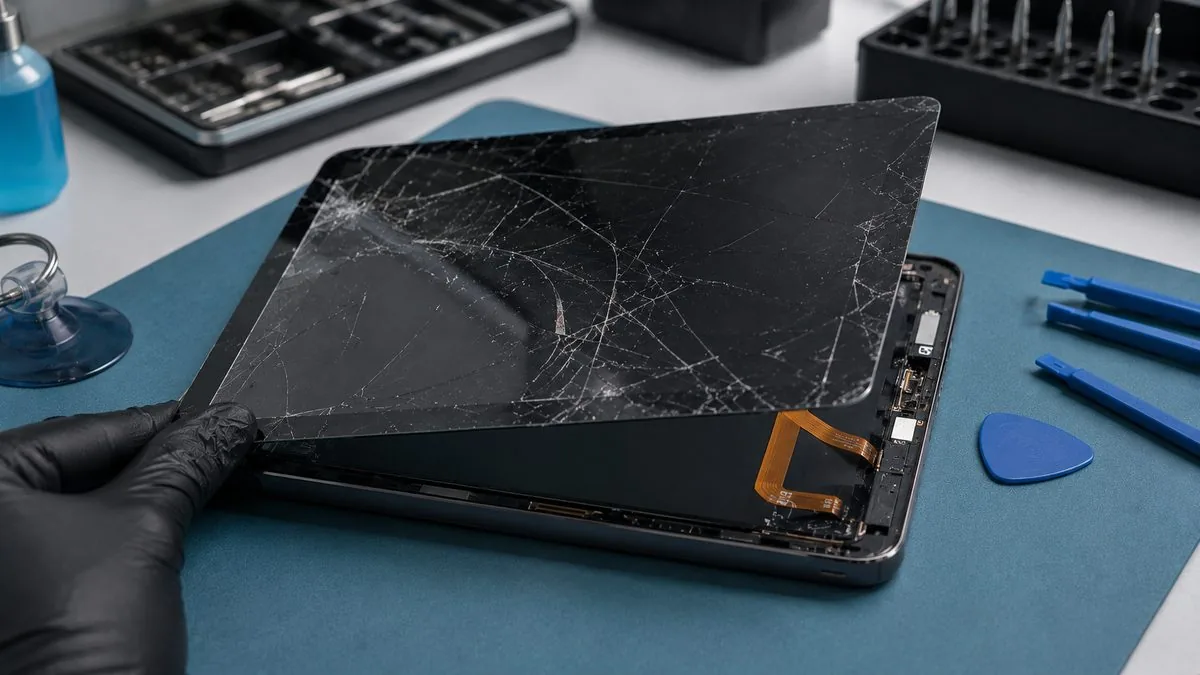
With the part in stock it is typically same-day or next-day, but an iPad screen is not a quick swap. The glass is bonded to the frame with strong adhesive and has to be warmed and separated slowly to protect the display and the flex cables underneath, then the new screen is fitted, tested, and resealed with fresh adhesive and left to bond. Rushing that is how a second screen gets cracked, so we take the time it needs. Message us the model and a photo of the damage and we will confirm stock and a realistic turnaround before you travel.
Apple's out-of-warranty screen service for iPad is often a whole-unit swap rather than a screen repair — you hand in your iPad and receive a different device for a set fee, then restore from your backup. For many owners an independent screen replacement is less expensive, keeps the exact iPad and data you have, and avoids the reset-and-restore. Where your iPad is under warranty or AppleCare+, we will tell you honestly if that is the better route. We are not affiliated with or authorised by Apple; we are the independent alternative.
Send us the iPad model and a photo of the damage, or bring it to our workshop near Tai Seng MRT. We will identify the exact screen your model needs, confirm the display beneath still works, and quote in writing before any work. Islandwide courier collection available.