
★★★★★
Recommended…Fast response in replying with my enquiries on battery replacement. Completed the replacement fast and able to use my laptop back as usual. Great Service.
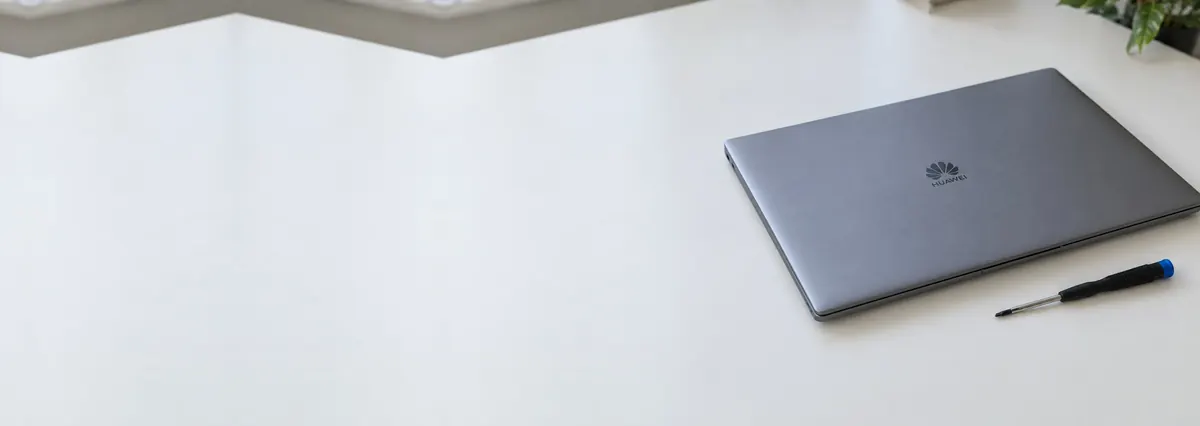
Service · Huawei · Singapore
MateBook X Pro, X, D14, D15, D16, the MateBook 14, 16 and 16s, the detachable MateBook E and the B-series business line — and the boards inside them. Huawei laptops are a pleasure to work on; the real variable is sourcing genuine parts, so we confirm the panel, battery or board is available before we quote.
A slice of this week's Huawei bench log · *if the cell is in stock
Most Huawei repairs land from around S$90 to S$650, typically same day on common faults, longer where a part is sourced in. Diagnosis is free on walk-ins, you get a written quote before any work starts, and if we cannot fix it you do not pay a repair fee. See how we arrive at that.
On this page
Huawei's MateBook line built a following in Singapore because the machines look and feel like a MacBook competitor at a keener price. The MateBook X Pro in particular, with its tall 3:2 touch display and slim aluminium body, has become a common sight in offices and lecture halls here. That popularity is why they reach our bench — a well-loved laptop eventually needs a battery, screen, charging port or keyboard, and Huawei's own service presence in Singapore is narrower than the big three Windows brands, so owners look for an independent workshop that knows the platform.
Here is the honest truth about repairing a MateBook, and it shapes everything we do. Internally these are some of the tidiest Windows laptops we open — sensible layouts, clean assembly, boards that are pleasant to diagnose. The labour is rarely the problem; the constraint is parts. Genuine MateBook batteries, bonded 3:2 touch panels and replacement mainboards are not always sitting on a local shelf the way a Dell or HP part is, and lead times can be longer. So we do the unglamorous thing first: we identify the exact part your model needs and confirm it is available, with a realistic delivery window, before we quote. It is less impressive than "same day, guaranteed", but it means the figure you approve is the figure that happens.
We service the whole MateBook range: the premium X Pro and X ultrabooks, the mainstream D14, D15 and D16, the MateBook 14, 16 and 16s, the detachable MateBook E 2-in-1, and the B-series business machines. Because the X Pro solders its RAM and bonds its display, and the MateBook E behaves like a tablet, the right repair depends on knowing which model you have. Send us the exact name and the model number on the base, and we will tell you your options before you make a trip.
Below is the intake reference our technicians use when a MateBook arrives. The reference codes are ours, not a Huawei standard — quoting one over WhatsApp simply lets us check the right parts and free the right bench before you come in. The turnaround column is deliberately cautious on this brand: where a part has to be sourced the honest answer is "parts-led", and we confirm the lead time on your specific model rather than pretend every job is same-day.
Diagnostic reference
The faults that account for most Huawei repairs on our bench, in roughly the order we see them.
Send a photo of the machine, the model number from the base if you can find it, and a two-line description of what it does. A technician replies with a probable diagnosis, a parts-availability check and an honest price band before you travel.
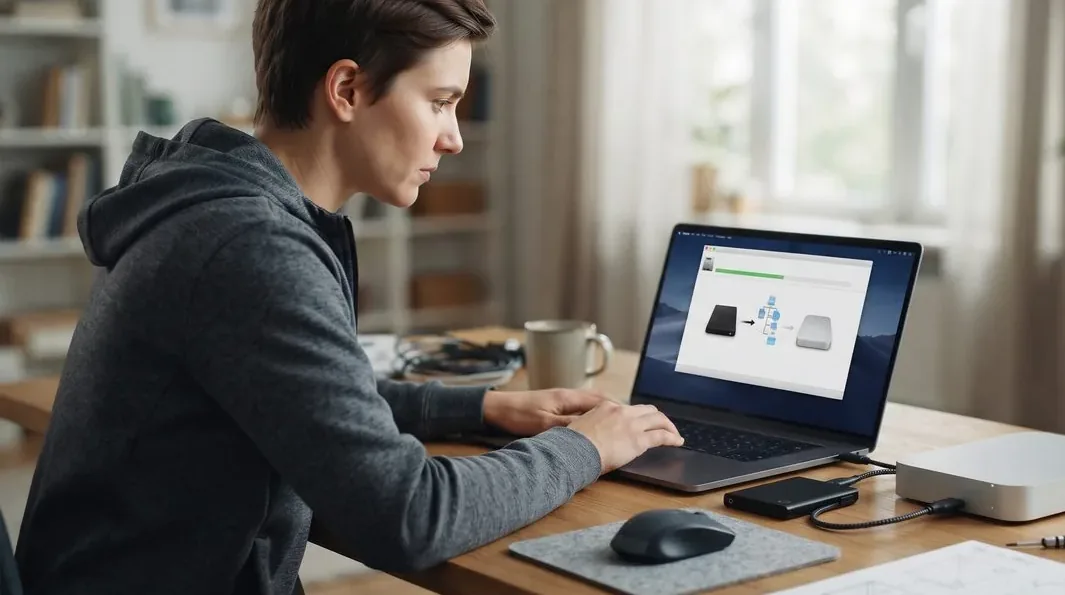
Every MateBook follows the same path, whether it is a stocked-battery swap or a parts-led panel job. A fixed process means nothing gets skipped or guessed — and on this brand, one extra step is built in early: the parts check.
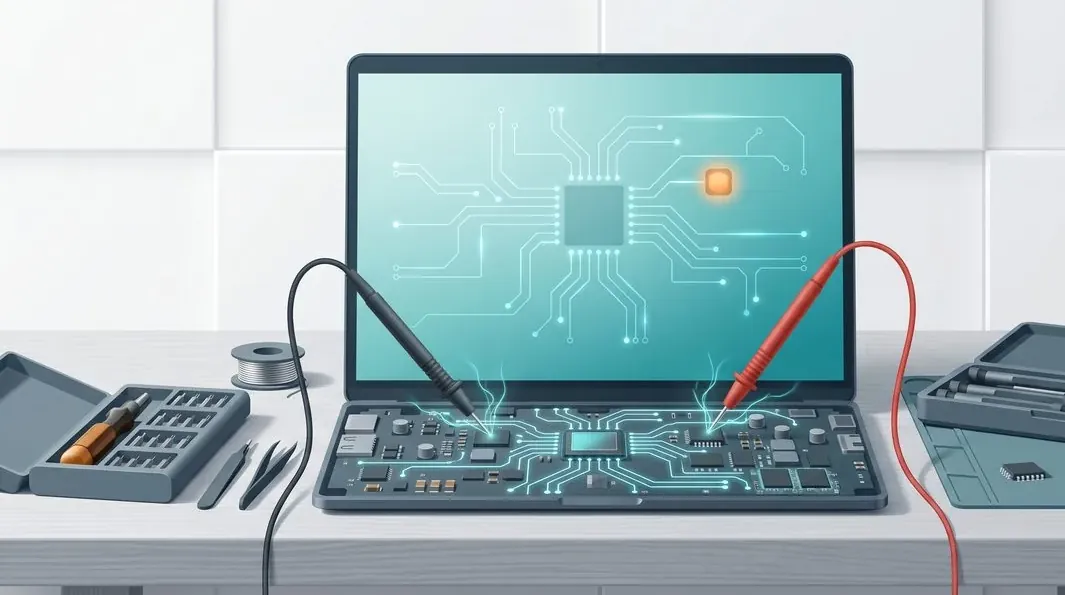
A MateBook mainboard carries the CPU package, soldered memory on the premium models, an embedded controller, a stack of switching regulators, and — because almost the whole line charges over USB-C — a USB-C power-delivery and charging circuit. Most "dead MateBook motherboard" cases are one of those subsystems misbehaving, and usually repairable at component level rather than a wholesale swap. On Huawei boards the repairs we see most are a shorted decoupling capacitor on a power rail, a failed USB-C charging IC that leaves the board drawing nothing, a damaged USB-C port, and corroded traces after a minor spill. We are candid about the limit specific to this brand: where the fix needs a whole replacement mainboard, sourcing a genuine one can take time, so we confirm availability and quote the lead time first.
Display work is where the MateBook differs most from an ordinary Windows laptop. The X Pro and several MateBook 14 and 16 variants use a tall, high-resolution 3:2 touch panel in which the glass, digitiser and LCD are bonded into a single glued unit. That is more labour than a bolt-in laptop screen — closer to a tablet repair — and we generally fit the complete bonded assembly so touch accuracy and colour are guaranteed. Swollen batteries we treat as the safety issue they are — a puffed cell lifting a MateBook trackpad or bowing the thin deck is replaced with a correct-capacity pack, and we never ask you to keep using a machine with a swollen cell inside it. There is more detail on our screen replacement and battery replacement pages.
If your MateBook has grown louder and slower than it was a year ago, the usual cause is heat rather than Windows. These are thin machines with modest cooling for the power inside them, so the thermal margin is small. Compound between the CPU die and the heatsink dries and cracks, Singapore's dust builds a mat across the fin-stack, and the chip protects itself by dropping clock speed, so the laptop feels sluggish without reporting a fault. A full thermal service means a strip-down, fin cleaning, fan service or replacement, fresh compound and fresh thermal pads. On the thinner MateBooks this routinely brings back clock speed the machine was quietly throwing away — dollar for dollar, one of the best-value repairs here.
Storage upgrades still transform a mainstream MateBook: moving to a larger or faster NVMe SSD collapses boot and load times, and we clone your Windows installation across so nothing is reinstalled or lost. RAM is the important caveat, and it is model-specific. The premium MateBook X Pro and X solder their memory to the board, so it is fixed at the specification you bought and cannot be upgraded at any price — worth knowing before you buy. Tell us the exact model and we will confirm what is socketed and whether there is a spare M.2 slot.
MateBook X Pro / X — the premium ultrabooks, beautiful to handle and clean inside, but the 3:2 touch display is bonded and the RAM is soldered. Battery swaps and bonded-panel jobs dominate; both are very doable, but the genuine parts are the item to confirm first.
MateBook D14 / D15 / D16 — the mainstream workhorses and our highest-volume MateBooks. Swollen batteries, USB-C charging faults and thermal service are the regulars; parts are generally easier to source than on the premium line, though still not always same-day.
MateBook 14 / 16 / 16s — the mid-to-upper models, some with the bonded touch panel and some without; the 16s pushes more power through a slim chassis, so thermal work and repaste come up often.
MateBook E — not a laptop but a detachable 2-in-1 tablet, with bonded glass and an adhered battery, much like a Surface. Screen and battery work here is tablet-class labour, and we quote it as such. See our laptop motherboard repair page for the board-level detail.
MateBook B-series — the business machines, built for fleet reliability; battery, keyboard and charging consumables are the common asks, and we confirm the correct part against the model number.
Every completed MateBook repair leaves our workshop with a written warranty on the job sheet, covering both the part we fitted and the workmanship that fitted it. A replaced battery, bonded panel, keyboard or charging board is warranted against defect and against the repair failing; a board-level repair is warranted on the joint and the component we worked on. Physical damage, liquid ingress and unrelated new faults after collection sit outside any repair warranty — as they do everywhere — and we explain where that line falls before you pay. Because Huawei parts are sometimes sourced rather than stocked, we are clear about which are genuine and which are high-quality equivalents, so you know what has gone into your machine.
Because we tell you the truth about parts. On a brand where genuine components are not always on a local shelf, the worst thing a shop can do is quote a price and a same-day turnaround it cannot keep — so we confirm the part first and quote the real figure and timeline together. The quote is written before the work starts and does not change after, and every completed MateBook repair carries a written warranty on parts and workmanship.
Verified Google reviews
Every review below is a real, unedited review from our Google profile, shown with the customer’s name as they left it. Read all 940+ on Google.
Recommended…Fast response in replying with my enquiries on battery replacement. Completed the replacement fast and able to use my laptop back as usual. Great Service.
I'm glad and lucky to find this shop and I can't stress enough how responsive and fast they resolved my laptop battery problem. I really recommend you visit iDevice Repair Centre for your device repair needs and not to mention how reasonable their service fees are.
It was a pleasant and swift process. Managed to get the battery replaced and collected my laptop on the same day! Awesome!
Good service, fast response to my laptop battery defective in 40mins time. Definitely will come back again.
Related services
USB-C charging ICs, shorted rails and no-power MateBook boards traced properly.
See the service →Bonded 3:2 MateBook touch panels, cracked glass and lost touch.
See the service →Imaged first on write-blocked hardware, even from a dead board.
See the service →Other brands we repair at component level: ASUS, Lenovo and Microsoft Surface. We also handle phone repair and full laptop parts replacement. Questions before you visit? Contact us.
Questions we get every week
It depends on the fault and, more than with most brands, on the part. Huawei MateBooks are clean and pleasant to work on inside, so the labour is rarely the sticking point — the variable is sourcing a genuine battery, panel or board, which in Singapore can carry a longer lead time. A stocked battery or SSD is usually in the low hundreds and same-day. A bonded 3:2 touch display or a USB-C charging repair sits higher. Board-level work runs from the mid hundreds because it is bench hours, not parts. We confirm the part is available first, then quote a firm price and turnaround in writing before we start.
Because it is the honest way to handle this brand. Huawei has a smaller service footprint in Singapore than Dell, HP or Lenovo, so genuine MateBook batteries, 3:2 touch panels and mainboards are not always sitting on a local shelf. We would rather check availability and lead time on the specific model and confirm both before we take your money than promise a same-day turnaround and then leave you waiting on a back-ordered part. Once we have located the correct part we quote the price and the realistic turnaround together, so what you approve is what actually happens.
Yes, and a swollen battery is one repair we treat as urgent rather than routine. On the thin MateBook X Pro and X, a puffed lithium-polymer cell pushes up on the trackpad and can bow the keyboard deck; on the D14, D15 and D16 it lifts the base plate. We source a correct-capacity replacement, remove the adhered old cell safely, and never ask you to keep using a machine with a swollen pack inside it. Stop charging it, power it down, and bring it in — this is a safety issue, not a cosmetic one.
Yes. The MateBook X Pro and several MateBook 14 and 16 variants use a high-resolution 3:2 touch panel where the glass, digitiser and LCD are bonded into one glued assembly. That makes the display more labour-intensive than a standard laptop screen — it is closer to a tablet repair — and we usually fit the complete bonded assembly to guarantee touch accuracy and colour. The MateBook E goes further still: it is a detachable 2-in-1 tablet with bonded glass and an adhered battery, much like a Surface. We confirm the exact panel for your model and its lead time before quoting, because the wrong panel simply will not sit right.
Usually not on the first look. Most MateBooks charge over USB-C, so a no-power or no-charge fault most often traces to the USB-C port, the charging IC, or a shorted rail on the mainboard rather than a whole dead board. We put the machine on a bench supply, read the current it draws in the first second, and that number tells us whether we are chasing a short, an open circuit, or a board that powers but will not sequence its rails. A recessed webcam key that has stopped popping up, a boot loop, or a no-POST is likewise diagnosed on the bench before anything is quoted.
Sometimes, and we will be straight with you about when. If the part is a stocked battery, SSD, RAM or fan we can often finish the same day — message us the exact MateBook model and the fault before you travel and we will confirm stock. Where a genuine panel or board has to be ordered, the turnaround follows the part's lead time, which we confirm before you commit. We are at 6 Harper Road, Leong Huat Building #05-02, a short walk from Tai Seng MRT on the Circle Line, two stops along from Paya Lebar if you are coming from the CBD or the east, and a change at Bishan from Novena or Toa Payoh.
Usually it is worth repairing, especially the premium models. A battery, SSD, thermal service or keyboard on a sound MateBook X Pro, X or 16s is nearly always worth doing because the machine has years of life left and its build quality is excellent. The judgement call comes when a bonded panel or a mainboard is needed on an older mainstream D-series — there the part cost and lead time can approach the value of the machine, and we will tell you that honestly. We give you the repair figure, the part's availability, and a candid read on the machine's remaining life, and you decide with all three in front of you.
Walk-ins welcome from the CBD, Orchard, Novena, Toa Payoh, Bishan, Ang Mo Kio, Jurong East, Clementi, Tampines, Bedok, Woodlands, Yishun, Hougang and Punggol. Courier collection islandwide for machines that should not be moved.