
Buying & education guide · Singapore
Laptop screen replacement cost in Singapore
A cracked or dead laptop screen is one of the most common repairs we quote — and one of the most misunderstood on price. The honest answer is that the cost depends almost entirely on the panel inside your lid, not on a flat rate. This guide sets realistic SGD bands by panel type, explains why the display does most of the pricing, and shows why the cheapest screen is rarely the best value.
Laptop screen replacement is priced mostly by the panel, not by a flat rate. A standard HD or Full HD non-touch screen usually lands in the region of the low hundreds fitted; a QHD, 4K, OLED, high-refresh gaming panel or a bonded touch display can be two to three times that or more, purely because the part costs more and, for touch, takes longer to fit. Resolution, panel technology, refresh rate, touch, size and model availability are the levers. A cheap online panel is usually a false economy — wrong gamut, wrong refresh, or a torn display cable when fitted badly. Most laptops need a whole panel, not glass only. Same-day is often possible when the correct panel is in stock. The reliable figure comes from a free diagnosis and a written quote you approve before any work. Use the bands below as a guide, not a guarantee.
On this page
Why the panel sets the price
When someone asks what a laptop screen replacement costs, the honest reply starts with a question: which laptop, and which display? A "laptop screen" is not one part. It is a specific panel — a particular size, resolution, panel technology, refresh rate and connector — that your machine was designed around. Two laptops can look identical on the outside and take completely different panels inside, and the panel is almost always the single most expensive part of the whole repair. So the price of the job is really the price of the correct panel for your model, plus the labour to fit and test it.
That is why the same words — "my screen is cracked" — can lead to a bill in the low hundreds or several times that. A basic Full HD screen on a mainstream notebook is a commodity part and relatively cheap. An OLED panel, a 4K display, a 165Hz gaming panel or a touch screen bonded to glass is a far more expensive component before a technician has done anything. Understanding which panel you have is the whole game, and it is exactly why a firm price before anyone confirms your display is unreliable. This guide pairs with our detailed laptop screen replacement service page, which walks through how the job is carried out, and with our broader laptop repair cost guide if your machine has more than one fault.
It is also worth knowing that a "screen problem" is not always the panel. If the display shows vertical or horizontal lines or is flickering rather than cracked, the fault can sit in the cable, the graphics circuit or the backlight rather than the glass — in which case a full panel swap would be the wrong repair. That distinction is one of the first things a proper diagnosis settles, because paying for a new panel to fix a cable fault helps nobody.
Price bands by panel type
The table below gives typical SGD bands for laptop screen replacement, sorted by the kind of panel involved. Treat every figure as "usually in the region of", not a quote — your exact model, the panel grade, the size and the availability of the part all move the number. The codes are just a reference for the notes that follow.
| Panel type | Typical price band (SGD) | What drives the price | Turnaround |
|---|---|---|---|
| SCC-01 HD / Full HD, non-touch | From around $130 to $260 | Common commodity panel; size and brand availability | Same day, usually |
| SCC-02 Full HD, high brightness / wide gamut | From around $180 to $320 | Better backlight and colour spec than a base panel | Same day to 1 day |
| SCC-03 QHD / 2K, non-touch | From around $220 to $420 | Higher resolution panel; less common stock | Same day to 2 days |
| SCC-04 4K / UHD, non-touch | From around $320 to $650+ | High-resolution panel cost; often model-specific | 1–3 days |
| SCC-05 OLED panel | From around $350 to $700+ | OLED part cost; limited sourcing on some models | 1–3 days |
| SCC-06 High-refresh gaming (120Hz+) | From around $300 to $650+ | Fast panel plus correct connector and refresh match | 1–3 days |
| SCC-07 Touch panel, non-bonded | From around $250 to $500 | Touch layer plus panel; extra fitting steps | 1–3 days |
| SCC-08 Bonded touch / 2-in-1 assembly | Widest range — from around $400 upward | Laminated glass, digitiser and panel as one unit; longer labour | 2–5 days, case by case |
A couple of things sit around the edges of that table. A damaged hinge or bezel discovered alongside a cracked screen can add a little to the job, because a bent hinge that caused the crack must be sorted or the new panel is at risk. And if the diagnosis finds the panel is actually fine and the fault is a display cable or graphics issue, the repair is a different, usually cheaper job than a full panel swap. That is precisely why we diagnose before quoting rather than assuming every dark or marked screen needs a new panel.
What actually drives a screen quote
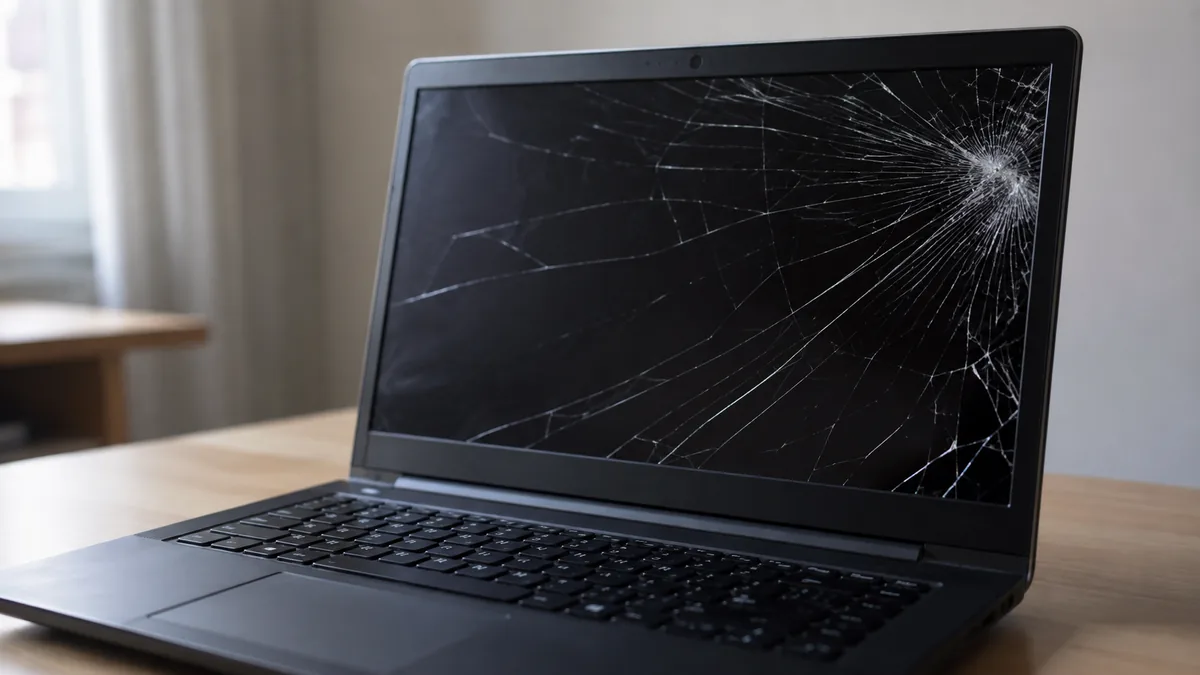
Once you accept that a screen is not a flat rate, the useful next step is understanding why two quotes for a "cracked laptop screen" can differ so much. A handful of factors do nearly all of the work.
- Resolution. All else equal, a higher-resolution panel costs more. A Full HD (1920×1080) screen is the affordable middle; QHD/2K sits above it; and a 4K/UHD panel is dearer again, often significantly, because it is a more specialised part made in smaller volumes for laptops.
- Panel technology. A basic TN or entry IPS panel is cheap. A good IPS with wide colour and high brightness costs more, and an OLED panel is the priciest of the common types because the part itself is expensive and harder to source for many models.
- Touch versus non-touch. A touch display adds a digitiser layer and, on many machines, laminates the glass to the panel. That both raises the part cost and lengthens the fitting, so a touch screen is almost always dearer than the non-touch equivalent of the same size and resolution.
- Refresh rate. High-refresh gaming panels — 120Hz, 144Hz, 165Hz and up — are more expensive than a standard 60Hz screen, and they must match the correct refresh and connector, or the laptop will not run at its rated rate. Fitting a 60Hz panel to a 144Hz machine "to save money" quietly downgrades the laptop.
- Size and model availability. Larger panels cost a little more, but availability matters more: a current, popular model has cheap, plentiful panels, while an older, rare or discontinued display has to be sourced and carries both a higher price and a longer wait.
- OEM versus aftermarket grade. The grade of the replacement changes both price and result. Our guide to original versus aftermarket laptop parts explains how a quality compatible panel can match the original while a cut-price one disappoints.
Because these factors stack, the cleanest way to get a real figure is to confirm the exact panel your model uses first, then price it. That is a five-minute check for a technician and it is the difference between a number you can rely on and a guess. If your laptop is old enough that a new screen approaches the cost of the machine, our repair-or-replace guide helps you weigh whether the fix is worth doing at all.
Why a cheap online panel is a false economy
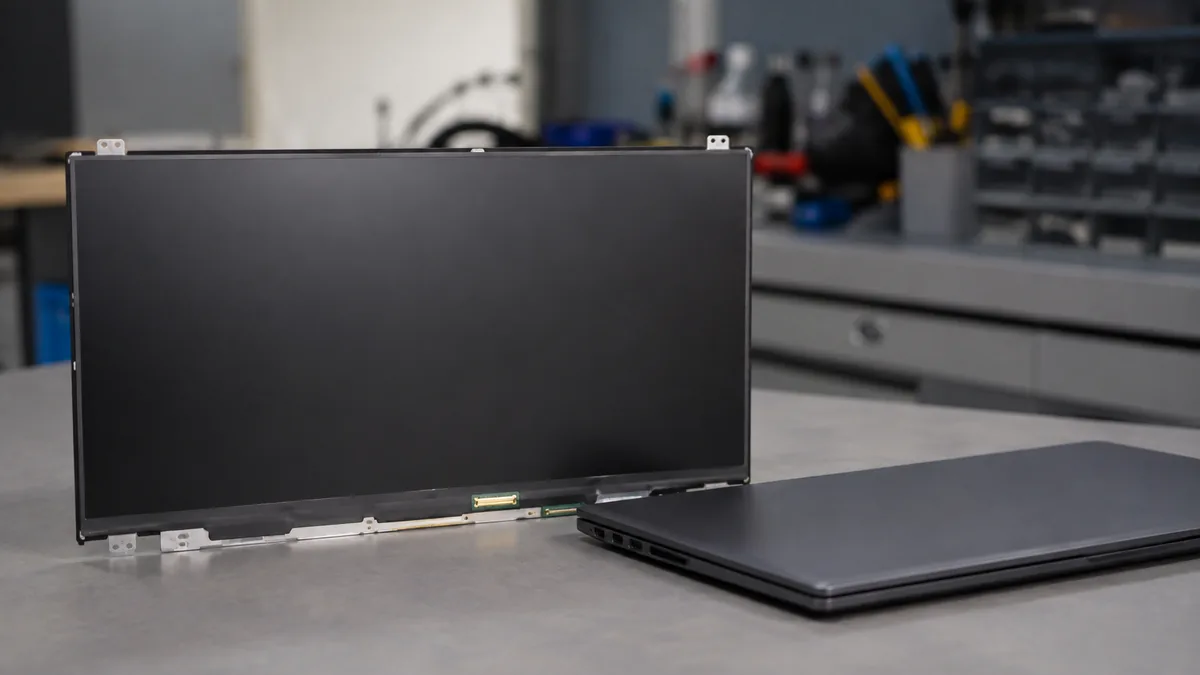
It is tempting to search a marketplace, find a panel that looks like the right size for a fraction of a shop price, and either fit it yourself or ask someone to fit a screen you supply. Sometimes that works. Often it does not, and the reasons are worth understanding before you spend the money.
- Wrong specification, right size. Many cheap panels share your screen's dimensions but not its real spec. A lower colour gamut leaves images looking flat and washed out; a slower refresh rate downgrades a gaming laptop; a slightly different backlight or connector can leave the screen dim, oddly bright, or refusing to run at its native rate. It fits, but it is not the screen you had.
- The eDP display cable. The ribbon that carries the picture from the board to the panel — the eDP cable — is thin, and its connector is delicate. It is one of the most common things to tear or seat badly during a rushed fit. A torn cable or a damaged board-side connector can turn a straightforward panel swap into a board-level repair that costs far more than the screen ever did.
- Connector and revision mismatches. The same model can ship with more than one panel revision, with different connector positions, pin counts or backlight arrangements. A panel that is "for your model" on the listing may be for a different revision, and the mismatch may not show up until it is fitted and powered on.
- No warranty and no recourse. A marketplace panel that arrives with dead pixels, a pressure mark, or a fault that appears a few weeks later usually leaves you with no meaningful warranty and a screen you cannot return once fitted. The money "saved" evaporates.
This is not an argument that only the most expensive panel will do. It is an argument for the correct panel, fitted properly, with the work warrantied. We source the right display for your model, handle the eDP cable and connector with care, test the finished screen for brightness, colour, dead pixels and correct refresh, and stand behind the job. Our published laptop parts replacement standard operating procedure sets out exactly how a screen is diagnosed, fitted and quality-checked, so you can see the method rather than take it on trust.
Glass-only vs whole panel, and touch displays
One of the most common questions we hear is whether the cracked glass can be replaced on its own, leaving the rest of the screen in place. For phones and tablets that idea makes sense, because a separate cover glass often sits over the display. For most laptops it does not. A typical laptop display is a single panel — the glass and the LCD are one part — so a crack anywhere in it, even a small one in a corner, usually means replacing the whole panel. There is no cheaper "just the glass" layer to swap.
The exception is a bonded touchscreen laptop or 2-in-1, where the cover glass, the touch digitiser and the display are laminated together into a single assembly. That assembly is more expensive than a plain panel and takes longer to fit, because it is one sealed unit — but even then, it is replaced as a whole assembly rather than re-glassed. So whether your laptop is non-touch or a bonded convertible, the practical answer is the same: a cracked screen means a new panel or assembly, not a glass-only repair. The difference is which of those two your model needs, and how much the correct part costs, which is what the diagnosis confirms.
That also explains why touch and 2-in-1 quotes sit at the top of the bands above. You are paying for a laminated part with more layers and a more careful, time-consuming fit, not just a bigger sheet of glass. Where the correct assembly is in stock, even these can sometimes be turned around quickly; where it has to be sourced for a specific model, it takes a little longer, and we tell you which situation you are in before you commit.
Get a real figure for your screen
Bands are useful for planning, but the only number that matters is the one for your laptop and your exact display. Bring the machine in, or send a photo of the screen and the model number, and we will confirm the precise panel your laptop takes, check whether the fault is really the panel or a cable, and put the cost in writing before any work begins. Diagnosis is free on walk-ins, the quote comes with no obligation, and if the sensible answer is to replace the laptop rather than the screen we will say so. Our quote process explains exactly how we work, and the main screen replacement page covers the repair itself in detail.
Want the real number for your screen?
Skip the guesswork. A free, no-obligation diagnosis confirms the exact panel your laptop takes and gives you the repair figure in writing — with our honest read on whether a new screen is worth it. Walk in, or send a photo to start.
Keep reading
Guides that help you decide
Laptop screen replacement
How we diagnose, source and fit the correct panel — LCD, OLED, touch and hinge.
Read the guide →Laptop repair cost in Singapore
Realistic SGD bands for the common jobs and why a firm quote needs a diagnosis.
Read the guide →Original vs aftermarket parts
Why panel grade changes both the price and the result, and how to choose.
Read the guide →Questions we get every week
Laptop screen replacement cost — frequently asked questions
How much does laptop screen replacement cost in Singapore?
There is no single figure, because the price is set mostly by the panel your model uses, not by a flat rate. A standard HD or Full HD non-touch panel usually falls in the region of the low hundreds fitted, while a QHD, 4K, OLED, high-refresh gaming panel or a bonded touch display can sit at two or three times that as a part alone before any labour. Size, brand and whether the model is still in production all move the number too. Because two cracked laptops can carry very different quotes purely for the display inside, we confirm the exact panel your model takes before putting a written figure on it. A free diagnosis turns a guess into a quote you can rely on.
Why is the panel type the biggest factor in the price?
Because the panel is almost always the most expensive part of the repair, and panels are not interchangeable. A basic HD or Full HD screen is a commodity part and relatively inexpensive, but resolution, panel technology and features each add cost. A QHD or 4K panel costs more than an FHD one, an OLED costs more than a standard IPS, a high-refresh gaming panel costs more than a 60Hz one, and a touch panel bonded to glass costs the most and takes the longest to fit. Your model was designed around one specific panel with a matching resolution, colour gamut, refresh rate and connector, so the correct replacement is dictated by the machine rather than chosen freely. That is why the panel does most of the pricing.
Is buying a cheap laptop screen online and fitting it myself worth it?
It is usually a false economy. Cheap online panels are often the wrong grade for your machine — a lower colour gamut, a slower refresh rate, or a subtly different connector or backlight spec that leaves the screen dim, flickering or not running at its proper rate. Fitting is also where DIY goes wrong: the thin eDP display cable and its connector are easy to tear or seat badly, which can turn a simple job into a board-level fault. If the panel is a near-match but not correct, you may not see the problem until weeks later. Between the risk of a damaged cable, a mismatched panel and no warranty on the part, the money saved often disappears. We quote the correct panel, fit it properly, and warranty the work.
Can you just replace the cracked glass instead of the whole screen?
On most laptops, no — the display is a single panel, so a cracked screen means replacing the whole panel rather than a layer of glass. Glass-only repair is really a phone and tablet idea, where a separate cover glass sits over the display. Most laptops do not have that separate layer, so even a hairline crack in the corner usually means a whole-panel replacement. The exception is a bonded touchscreen laptop, where the glass, digitiser and panel are laminated together as one assembly; that assembly costs more and takes longer to fit, but it is still replaced as a unit rather than re-glassed. We tell you which type your model is before quoting.
What is the difference between an OEM panel and a quality aftermarket one?
An OEM panel is the same specification the manufacturer fitted at the factory, while aftermarket panels range from excellent compatible equivalents down to cut-price parts that only loosely match. A good aftermarket panel matches the resolution, refresh rate, brightness, colour gamut and connector of the original and performs indistinguishably in normal use, often at a lower price. A poor one saves money on paper but disappoints in practice — dimmer, off in colour, or not running at full refresh. The grade matters more than the label, so we tell you what we are fitting and why, and we would rather quote a correct panel that lasts than the cheapest one that leaves you unhappy. Our original versus aftermarket parts guide explains the trade-offs in full.
Can a laptop screen be replaced the same day?
Often yes, when the correct panel for your model is in stock. Common HD and Full HD panels for popular models are frequently available, and a straightforward non-touch replacement can be diagnosed, fitted and tested within the same day. Less common displays — a particular OLED, a high-refresh gaming panel, a 4K screen or a bonded touch assembly for a specific model — may need to be sourced, which adds a day or a few depending on availability. We confirm the exact panel and its stock position at diagnosis, so you know the realistic turnaround before you approve anything rather than after.
Get your screen diagnosed and quoted — free.
A free, no-obligation diagnosis confirms the exact panel your laptop needs and gives you the repair figure in writing. No firm phone prices, no pressure — just a real number for your machine before you spend anything.