
★★★★★
Great repair to the hinges of the laptop. Highly recommend!
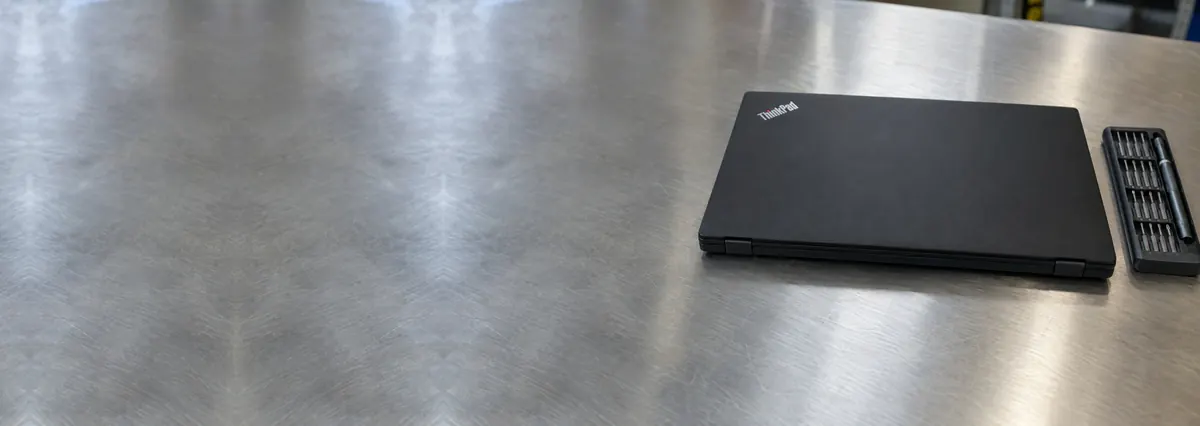
Service · Hinge & chassis · Singapore
A loose, stiff or cracked hinge is a mechanical fault, and it deserves a mechanical fix. We strip the machine down, work out whether the hinge itself or the plastic it mounts to has failed, and rebuild the anchor points — instead of quoting you for a whole new chassis you probably do not need.
A slice of this week's hinge bench log
Hinge repair runs from around S$80 to S$350, typically 1–3 days. Diagnosis is free on walk-ins, you get a written quote before any work starts, and if we cannot fix it you do not pay a repair fee. See how we arrive at that.
On this page
The hinges are the two small metal mechanisms that join the screen to the base and let the lid swing open and shut. They look simple, but they carry the whole display every time you open the machine, and they are anchored into the plastic housing at both ends — screwed into the lid behind the screen and into the top cover of the base. A hinge repair is not just about the metal hinge itself; more often it is about the mounting points that hold that hinge in place, because those are usually what fail first.
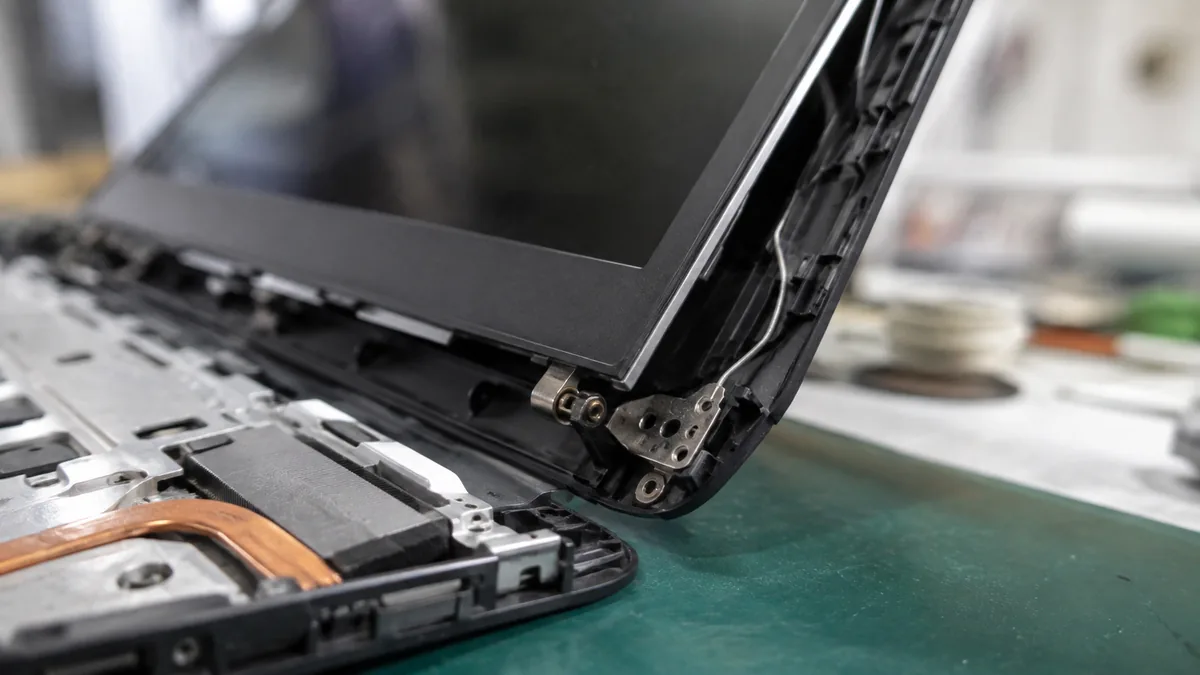
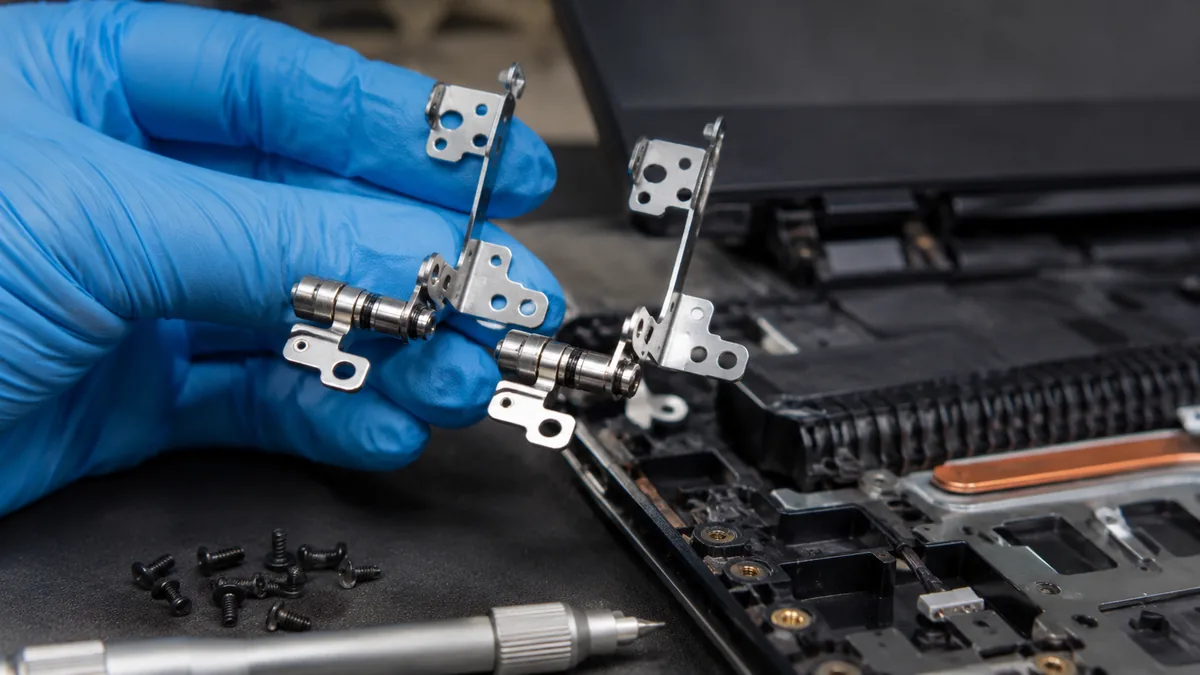
Here is the part most owners never see. The hinge is fastened to the plastic through small brass inserts moulded into posts — the screw bosses — inside the lid and the top cover. Every open and every close puts a twisting load on those bosses. On a well-built chassis they last for years; on a cost-engineered one, where the plastic is thin to save weight and cost, the bosses eventually crack and the brass inserts pull out. Once that happens the hinge is no longer firmly held, the lid loosens, and the tension starts working against the screen and bezel instead of moving cleanly. A real hinge repair means diagnosing whether the hinge, the mounts, or both have gone — and fixing the actual cause rather than papering over it.
That distinction matters because of how these jobs are often handled elsewhere. The quick answer many shops give is to sell you a complete replacement lid or a whole chassis — a large, expensive part with a lot of labour behind it. Sometimes that is genuinely what a shattered housing needs. But a great many hinge jobs are a set of cracked mounting bosses on an otherwise sound chassis, and those can be rebuilt and re-anchored so the hinge grips solidly again. We reach for the rebuild first and the full housing swap only when the plastic is truly beyond saving.
Hinge problems tend to build up gradually rather than fail all at once, and they announce themselves in a set of recognisable ways. Any one of these is worth acting on early, because a hinge fault left alone almost always drags more of the machine down with it:
If your machine matches one of these, send us a short description and a photo of the hinge area before you travel. We can usually tell you from the symptom whether it is likely a hinge, a mount, or both, and give you an honest idea of the work involved.
Below is the bench reference our technicians use during intake. The reference codes are ours, not an industry standard — quoting one over WhatsApp simply lets us prepare the right tools and check parts availability before you arrive. Turnaround assumes the fault is what the symptom suggests; where a specific hinge or housing part has to be ordered in, we flag the lead time up front.
Diagnostic reference
The faults that account for most hinge repairs on our bench, in roughly the order we see them.
Send a photo of the hinge area and a two-line description of what the lid does. A technician replies with a probable diagnosis and an honest idea of the work before you leave the house.
Every machine that comes in for a hinge fault follows the same path. The point of a fixed process is that we find the true cause before deciding what to replace — because the difference between a hinge that needs swapping and a mount that needs rebuilding is thousands of dollars over the life of a workshop, and it is your money either way.
Two honest limits sit at the front of every quote. First, where the housing plastic is shattered rather than cracked, a rebuild will not hold and a full lid or chassis replacement is the right call — we will show you why on the bench rather than after you have paid. Second, some slim and convertible designs bond the screen, bezel and hinge into a single assembly, which changes both the parts and the cost; we tell you if yours is one of those before we commit to anything.
Hinge trouble is especially common on cost-engineered consumer chassis, so it is worth knowing where your machine fits. If you own one of the models that fail this way often, our brand pages for Acer laptop repair, HP laptop repair and Dell laptop repair cover the disassembly and the mounting-boss weaknesses we see most on those makes.
Most of the hinges we rebuild failed for reasons that were, in hindsight, avoidable. A few small habits add years to a hinge's life, and they cost nothing:
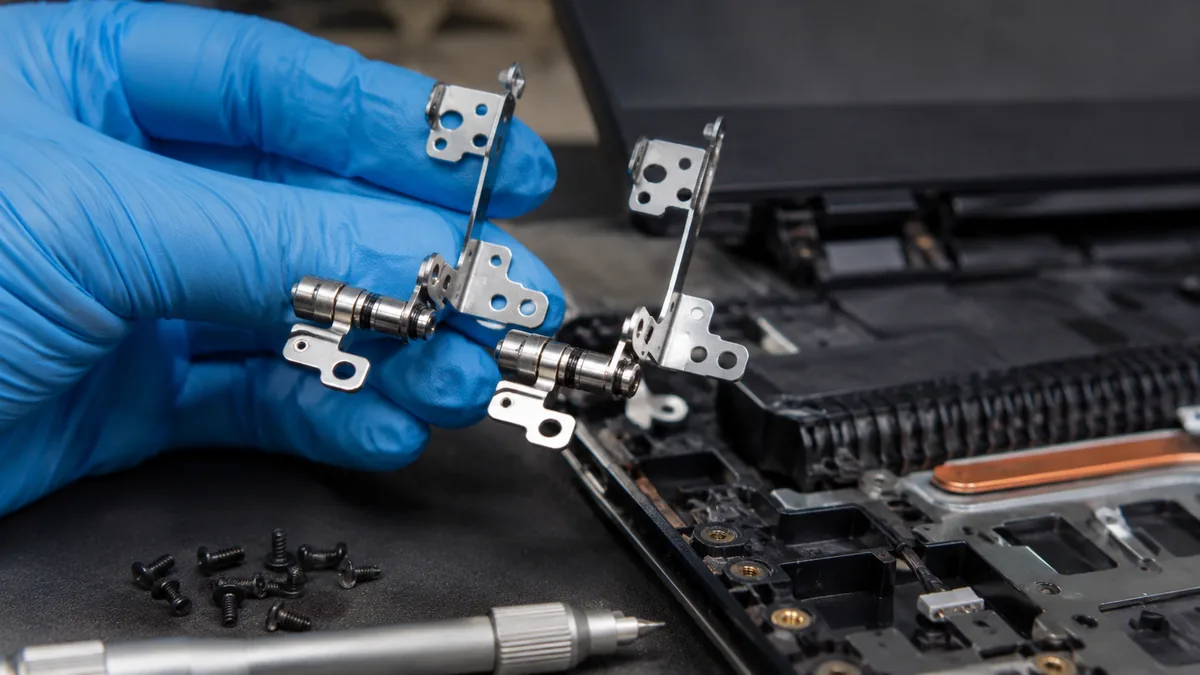
Because we open the machine and show you what actually failed rather than reaching straight for the most expensive part. Because the quote is written before any work starts and does not change afterwards. Because a rebuilt mounting boss, done properly with reinforcement and given time to cure, holds — and every completed repair carries a written warranty on parts and workmanship, with no repair fee if we cannot fix it. And because a hinge is exactly the kind of job where the honest answer saves you the most money: telling you that your chassis can be rebuilt instead of replaced, or occasionally that it genuinely cannot, is the whole basis of the trade we have built over fourteen years. When the hinge has taken the screen with it, we handle the screen replacement on the same bench, and for anything beyond the hinge our full laptop repair and motherboard repair services are a bench away.
Verified Google reviews
Every review below is a real, unedited review from our Google profile, shown with the customer’s name as they left it. Read all 940+ on Google.
Great repair to the hinges of the laptop. Highly recommend!
Was able to fix the broken hinges in my asus laptop.
Sent my laptop in for a screen replacement at 4:30pm on a Monday, got it back at lunchtime the next day. Super fast and great customer service. Thanks iDevice.
They repair fast and good, my DELL laptop had damaged screen and battery and they fixed it in one day. Diagnosis is free and they quote after checking on the problem. Pre-test testing and post testing done well. Highly recommend.
Related services
For panels a failing hinge has cracked, or bezels lifted away from the display.
See the service →Every other laptop fault, from keyboards and batteries to ports and cooling.
See the service →Component-level board repair when the fault runs deeper than the chassis.
See the service →Questions we get every week
Hinge repair is priced by the work involved, not by the size of the part, because the hinge itself is usually inexpensive — most of the cost is the disassembly and the rebuild. A straightforward hinge that has seized or worn and only needs replacing sits at the lower end; a job where the plastic mounting bosses have torn out of the lid or top cover and have to be rebuilt and re-anchored takes longer and costs more. Where the hinge has also cracked the screen or pinched the display cable, that repair is quoted separately. We assess the hinge and the mounts on the bench first, then give you a written quote you approve before any work starts.
Yes, and it is one of the most common hinge jobs we see. A screen that flops or won't hold an angle usually means the hinge has loosened or its mounting points in the plastic have started to give way, not that the whole lid is finished. We open the machine, check whether the hinge itself has worn or the brass inserts and screw bosses that anchor it have pulled out of the plastic, and repair whichever is at fault — replacing a worn hinge, or rebuilding and reinforcing the mounts so the hinge has something solid to grip again. Caught early, before the plastic tears further, it is usually a clean fix.
No — a stiff hinge is the warning sign, and forcing it is exactly what turns a cheap repair into an expensive one. When a hinge seizes it stops moving freely, so every open and close transfers that resistance straight into the plastic mounts and the display bezel. Force it and the mounts tear out, the top cover cracks, or the screen itself cracks under the tension. Bring a stiff hinge in while it is still just stiff. Replacing or freeing a hinge before it has damaged anything around it is far simpler than rebuilding a cracked chassis afterwards.
Usually not. The most common failure is that the screw bosses — the small plastic posts that hold the hinge's brass inserts — have split or pulled out of the lid or top cover. Where the plastic is still largely intact we rebuild and re-anchor those mounting points with reinforcement and adhesive so the hinge is properly held again, rather than selling you an entire chassis. A full housing replacement is only necessary when the plastic is shattered beyond rebuilding, and we will tell you honestly which case yours is after we have it open.
It can, which is why a hinge fault is worth dealing with early. A hinge that has gone stiff or is binding puts uneven tension on the lid, and that tension can crack the panel or crush the delicate display cable and antenna wires that run through the hinge channel. A pinched display cable shows up as a flickering, flashing or intermittent image, especially as you move the lid; a pinched antenna shows up as Wi-Fi that drops when the screen is at certain angles. If your hinge problem has started affecting the picture or the wireless, mention it — we check the cable and antenna routing as part of the hinge repair and address any damage.
We see hinge failures across every brand, but they are most common on cost-engineered plastic chassis where the mounting bosses are thin. Many Acer, HP and Dell Inspiron consumer models are frequent visitors, and 2-in-1 and 360-degree convertibles of any make are prone to it because their hinges travel further and take more strain. It is rarely a sign of abuse — the mounts simply take load on every single open and close, and thinner plastic gives up sooner. We repair hinges on all makes and models, and we carry the disassembly experience for the common Acer, HP and Dell designs where this happens most.
Most hinge repairs are done within one to three working days. A simple hinge replacement can often be same or next day once the correct hinge is on hand; a mounting-boss rebuild needs longer because the reinforcement and adhesive have to cure fully before the lid is reassembled and stress-tested. If a specific hinge or housing part has to be ordered in, that adds lead time and we tell you the expected wait up front. We test the open-and-close action and lid retention through the full range of travel before the machine goes back to you.
Walk-ins welcome from the CBD, Orchard, Novena, Toa Payoh, Bishan, Ang Mo Kio, Jurong East, Clementi, Tampines, Bedok, Woodlands, Yishun, Hougang and Punggol. Courier collection islandwide for machines whose lid should not be moved.