
★★★★★
Recommended…Fast response in replying with my enquiries on battery replacement. Completed the replacement fast and able to use my laptop back as usual. Great Service.
Service · HP · Singapore
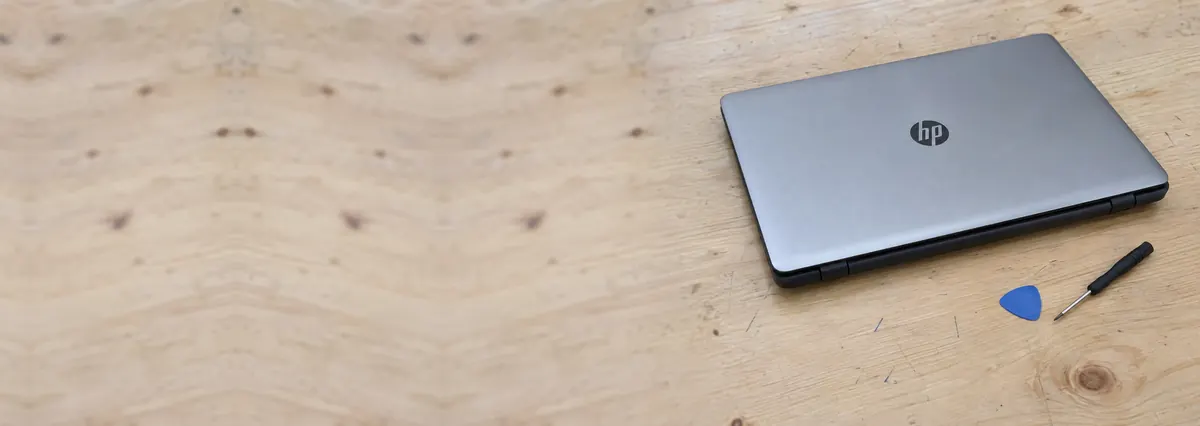
Pavilion, Envy, Spectre, EliteBook, ProBook, Omen, Victus and the ZBook workstations — and the boards, hinges and charging circuits inside them. We diagnose HP faults with a bench supply and a thermal camera, quote in writing, and repair the actual fault instead of replacing the whole assembly around it.
A slice of this week's HP bench log
Most HP repairs land from around S$90 to S$650, typically same day on common faults, 3–7 days for board-level work. Diagnosis is free on walk-ins, you get a written quote before any work starts, and if we cannot fix it you do not pay a repair fee. See how we arrive at that.
On this page
HP is one of the two or three brands we see most, because HP sells across the whole market at once — a student's Pavilion, a designer's Spectre, a whole floor of EliteBooks in a CBD office, and a gamer's Omen all wear the same logo. The machines arriving on our bench range from a three-year-old ProBook carried to work every day to a nearly new Envy that came in with a hinge already lifting the top case. The pattern in that volume is useful: HP faults cluster into a handful of predictable groups, so we can usually give you a probable diagnosis from a couple of photos and two lines of description.
The trouble is that most of the Singapore repair market does not repair HP laptops so much as swap parts of them. The default move is to decide the mainboard is faulty, order a whole replacement board, and bill you for it — fast and profitable, and the reason owners are quoted the better part of a thousand dollars for a "dead motherboard" that is really a single failed charging chip or a shorted capacitor. We work from the other end. The HP goes onto a bench power supply, and what it draws in the first second tells us whether we are chasing a dead short, an open rail, or a board that never sequences its rails.
That method matters on HP more than on most brands, because HP builds so differently across its own range. A cost-engineered Pavilion and a bonded-aluminium Spectre can show the same symptom for different reasons, and the correct repair depends on reading the hardware rather than the sticker. We service the full line: Pavilion and Envy consumer laptops, Spectre premium ultrabooks, EliteBook and ProBook business machines, Omen and Victus gaming laptops, ZBook mobile workstations, and HP's Chromebooks. We also fix other makers — our Dell, Lenovo and ASUS pages cover those. Send us the product number from the base and we will tell you where your HP sits.
Below is the intake reference our technicians work from when an HP arrives. The reference codes are ours, not an HP standard — quoting one to us over WhatsApp simply lets us free the right bench and pull the right parts before you show up. The turnaround assumes the part is in stock and the fault behaves the way the symptom suggests; hinge and board faults are the exceptions.
Diagnostic reference
The faults that account for most HP repairs on our bench, in roughly the order we see them.
Send a photo of the machine, the product number from the base if you have it, and a two-line description of what it does. A technician replies with a probable diagnosis and an honest price band before you travel.
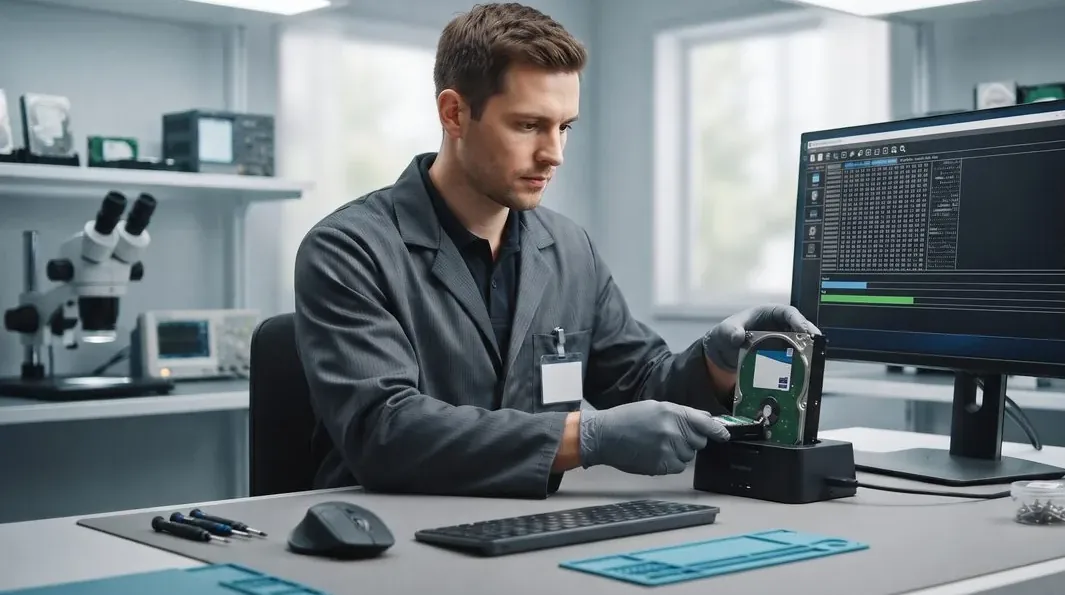
Every HP follows the same path, whether it is a same-day battery swap or a three-day hinge rebuild, so nothing gets skipped and nothing gets guessed.
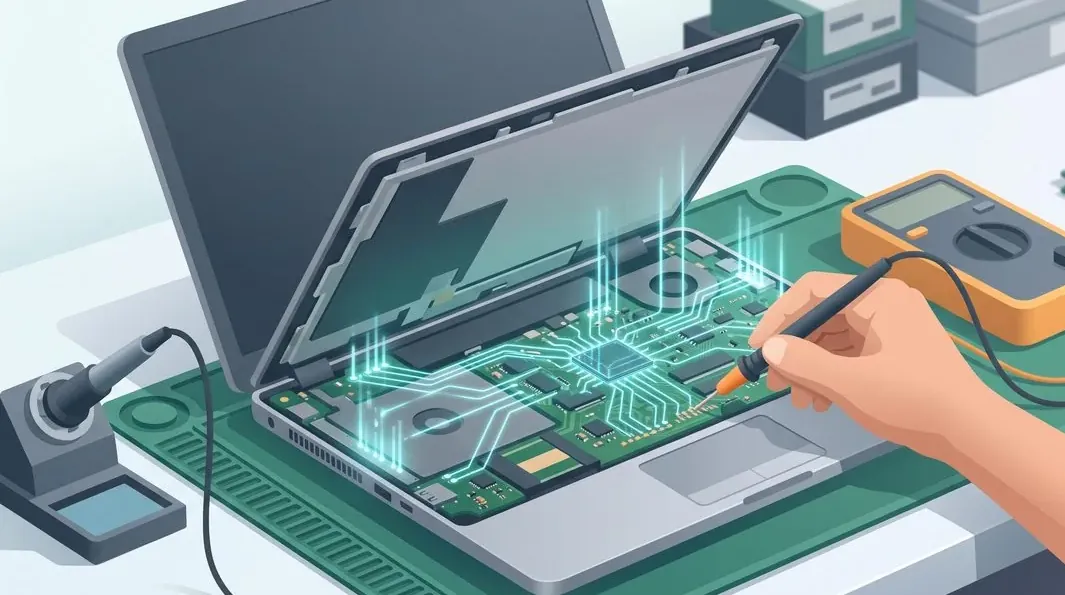
A modern HP mainboard is an eight-to-twelve-layer board carrying dozens of switching regulators, a charging IC, an embedded controller, the CPU package, memory and — on Omen, Victus and ZBook machines — a discrete GPU with its own power delivery. Nearly every "dead HP motherboard" is one of those subsystems misbehaving, and most are repairable by someone with the boardview, the schematic and the right equipment. The repairs we do most often on HP boards are shorted capacitors on a power rail, a failed charging IC that leaves the board drawing nothing from the adapter, a worn USB-C or DC-in jack, corroded traces after a minor spill, and GPU solder fatigue on the gaming and workstation lines. We tell you the honest limit up front: a board with catastrophic physical damage — a snapped PCB, a delaminated CPU package — is often beyond economical repair, and we say so on day one rather than after you have paid.
The hinge is HP's signature fault, and it drives more Envy and Pavilion repairs than anything else. The hinge itself is stronger than the plastic boss it threads into, so opening the lid slowly splits the mount, cracks the top case and lifts the display bezel; left long enough it drags on the display cable and takes the screen out too. We rebuild and re-anchor the mounting points and replace worn hinges rather than selling you a whole chassis. Screen faults are the other big category: we stock and fit LCD, IPS and OLED panels to the correct resolution, refresh rate and colour gamut, because a cheaper panel with the wrong specification shows the moment you open a photo. Keyboard work needs a word of warning on the premium lines — the Spectre and some Envy models use a bonded, glued top case, so a keyboard replacement means separating a laminated assembly and the labour is higher than on a Pavilion. Swollen batteries we treat as the safety issue they are: HP has run battery recall programmes in the past, and a puffed cell is replaced the same day with a correct-capacity pack. More detail lives on our screen replacement and battery replacement pages.
If your HP feels slower than it did a year ago, the most likely cause is heat, not Windows and not the SSD. Thermal compound dries and cracks; Singapore's dust builds a felt mat across the radiator fins; fan bearings wear and spin slower than the sensor believes. The chip protects itself by dropping clock speed, and the machine gets slow without ever reporting a fault. A full thermal service means a strip-down, fin-stack cleaning, fan replacement or bearing service, fresh compound, and new thermal pads to the correct thickness. On Omen, Victus and ZBook machines we routinely record fifteen-to-twenty-degree drops in sustained-load temperature. It is, dollar for dollar, the best-value repair on this entire list.
Two upgrades still transform an HP's character. Moving from a SATA drive — or an old spinning hard disk in an older Pavilion — to an NVMe SSD collapses boot and load times, and going from 8GB to 16GB or 32GB of RAM ends the swapping that makes a browser with thirty tabs feel broken. Both are usually same-day, and we clone your existing installation across so nothing is reinstalled and nothing is lost. Two things we check first from the product number: whether your model has a spare M.2 slot, and whether the RAM is socketed at all — on some thin Spectre and EliteBook models it is soldered and cannot be upgraded at any price.
Pavilion — HP's high-volume consumer line; the hinge and top-case crack arrives early because the chassis is cost-engineered, and charging jacks and batteries are the common consumables. See our computer repair page for desktop HP work.
Envy — a step up in materials, but the hinge-mount fault carries over, and some models use a bonded top case that raises keyboard-replacement labour.
Spectre — beautiful bonded-aluminium ultrabooks; the glued top case makes keyboard and battery work more involved, and RAM is usually soldered, so specify memory at purchase.
EliteBook / ProBook — the most serviceable HP laptops sold, well documented at board level; no-power faults are usually the charging circuit rather than a dead board.
Omen / Victus — powerful, thirsty and dust-hungry; thermal shutdowns, fan wear and GPU solder fatigue dominate, and all three are repairable rather than terminal. See our laptop motherboard repair page for the board-level detail.
ZBook — mobile workstations that run hot under sustained rendering; a full thermal service gives big sustained-temperature drops and keeps them earning far longer than replacement would.
Every completed HP repair leaves our workshop with a written warranty on the job sheet, covering both the part we fitted and the workmanship that fitted it. The warranty is specific rather than vague: it names the repair, the part, and the period, so there is never an argument later about what was covered. A replaced battery, screen, keyboard, hinge or charging board is warranted against defect and against the repair itself failing; a board-level repair is warranted on the joint and the component we worked on. Physical damage, liquid ingress and unrelated new faults after collection sit outside any repair warranty — as they do everywhere — and we explain exactly where that line falls before you pay, not after. If something we repaired behaves unexpectedly within the warranty period, bring it back and we make it right.
Because we show you the fault. Because the quote is written before the work starts and does not change after. Because every completed HP repair carries a written warranty on parts and workmanship, printed on your job sheet. Because if we cannot fix it, you do not pay a repair fee. And because after more than nine hundred reviews averaging 4.8 stars, our incentive to tell you the truth about your HP — including when the honest answer is "replace it" — is worth more than the margin on one unnecessary board. Talk to us when you are ready.
Open an EliteBook or a ProBook and you find a screwed keyboard, socketed memory on many models, a fan you can lift out, and a battery on a connector. Open a Spectre or an Envy and you find a keyboard riveted into an aluminium top case that also carries the trackpad, the palm rest and, on several models, the battery.
This single engineering decision explains almost every price difference you will be quoted. An EliteBook keyboard is a 45-minute, S$150 job. A Spectre keyboard is a top-case assembly, three hours of labour, and several times the price — not because anyone is inflating it, but because the part genuinely is the whole top of the laptop. See serviceable keyboard vs bonded top case.
The consumer Pavilion is the machine we see most, and its faults are boringly consistent. The hinge mounting bosses in the plastic palm rest work loose; the display bezel lifts; the corner of the palm rest cracks. Left alone the hinge eventually pinches the display cable and you have a flickering screen on top of a structural problem.
Second: heat. Pavilions ship with a single small fan and a modest fin stack. Three years of Singapore dust and dried compound, and the CPU throttles hard enough that the machine feels like it has a software problem. It does not. A thermal service is S$90–160 and reliably returns the machine that was bought.
Third, on older units: a mechanical hard disk. Nothing else on this page will change a laptop's character as much as moving it to NVMe.
The failures here are the price of thinness. Keyboards fail as an assembly. Batteries are adhered and swell against the trackpad. Touch displays are bonded, so a cracked screen means a display assembly rather than a panel. And the thermal envelope is tight, so a Spectre that has never been repasted is a Spectre running slower than the one you bought.
Two pieces of good news. HP's boards are, in our experience, above average: charging ICs and DC-in circuits are repairable rather than potted, and we recover most "dead" Spectres at component level. And HP ships Battery Health Manager in the BIOS, which caps the charge and, if you turn it on, will roughly double the useful life of the pack.
These are business machines and it shows. Documented service manuals, sensible screw counts, replaceable keyboards and batteries. When they die it is nearly always the charge path — USB-C PD circuitry, a charging IC, a worn port — or a rail shorted by a single ceramic capacitor. Both are one to three days on our board bench, and both are a fraction of the mainboard price. ZBook workstations add heat: they reward pad replacement and, on supported CPUs, liquid metal.
All indicative. Firm quote in writing after diagnostics, and it does not change afterwards.
Turn on Battery Health Manager in the BIOS if the laptop lives on a desk. Keep the intake off duvets and cushions — a Pavilion suffocates faster than most. Book a repaste at year three, not year five. And on a Spectre or Envy, treat a coffee near the keyboard as a S$400 gamble rather than a S$150 one, because the keyboard and the trackpad and often the battery are one part.
Verified Google reviews
Every review below is a real, unedited review from our Google profile, shown with the customer’s name as they left it. Read all 940+ on Google.
Recommended…Fast response in replying with my enquiries on battery replacement. Completed the replacement fast and able to use my laptop back as usual. Great Service.
I'm glad and lucky to find this shop and I can't stress enough how responsive and fast they resolved my laptop battery problem. I really recommend you visit iDevice Repair Centre for your device repair needs and not to mention how reasonable their service fees are.
It was a pleasant and swift process. Managed to get the battery replaced and collected my laptop on the same day! Awesome!
Good service, fast response to my laptop battery defective in 40mins time. Definitely will come back again.
Related services
Shorted rails, charging ICs, no-POST HP boards and Omen GPU reball.
See the service →HP panels, cracked glass, hinge-damaged displays and backlight faults.
See the service →Imaged first on write-blocked hardware, even from a dead HP board.
See the service →Questions we get every week
The fault decides the figure, not the HP badge on the lid. A Pavilion battery or an SSD upgrade is usually in the low hundreds and finished the same day. A hinge rebuild on an Envy, a charging-jack repair, or a keyboard on a bonded Spectre top case sits higher because the labour is longer. Board-level work — a shorted rail, a dead charging IC, an Omen no-POST — starts in the mid hundreds because we price it in bench hours, not parts. You get the number in writing after diagnostics and approve it before we start, so nothing changes at collection.
Yes, and it is the single most common HP repair we see. On many Pavilion and Envy models the hinge is stiffer than the plastic mount it is screwed into, so every time you open the lid the hinge tries to lift the top case with it. Over time the mount cracks, the display bezel pops loose, and the screen starts to feel loose or catch on the frame. We re-anchor and reinforce the hinge mounts, replace worn hinges, and re-seat the bezel rather than selling you a whole lid assembly when the mounting points are what failed. Left alone it tears the display cable next, so it is worth bringing in early.
Almost never on the first look. Those two messages mean the battery is present but the charging path or the battery's own management chip is not talking to the board. The usual causes, in order, are an aged or swollen battery, a worn USB-C or barrel charging port, a failed DC-in board, and only then the charging IC on the mainboard. We test with a known-good HP adapter, read the current draw on a bench supply, and check the battery health before we touch the board. Most of these are a battery or a small charging board, not a motherboard.
Yes, and it is one of the most rewarding repairs on the bench. Omen and Victus machines pull a lot of power and choke quickly on Singapore's dust and humidity, so thermal shutdown mid-game is a fault we see every week. A full thermal service — fin-stack cleaning, fan replacement, fresh compound, and new thermal pads on the VRM and VRAM to the correct thickness — routinely drops sustained temperatures by fifteen to twenty degrees and brings back the clock speed the machine was throttling away. On ZBook mobile workstations the same service gives similar sustained-temperature gains. Where a GPU has genuinely lost solder contact we reball it properly instead of reflowing it as a temporary trick.
Not for the great majority of repairs. Battery, hinge, screen, keyboard, charging and thermal work never touch your storage. For an SSD upgrade we clone your existing Windows installation across, so your apps, licences and settings arrive exactly as they were. If the drive itself is failing we image it first on write-blocked hardware and recover from the image rather than the dying disk. Your data is discussed before any work begins, never after.
For batteries, RAM, SSDs, fans, thermal service, most keyboards and stocked HP screen panels we usually finish the same day — send us the model and the fault before you travel and we will confirm stock. We are at 6 Harper Road, Leong Huat Building #05-02, a few minutes on foot from Tai Seng MRT on the Circle Line, an easy trip from the CBD or the east by changing at Paya Lebar, or from Novena and Toa Payoh by changing at Bishan. Hinge rebuilds and board-level HP repairs take a few working days, because a rushed hinge cracks again and a rushed board dies.
Often it is worth repairing, and the deciding factor is which part failed on which machine. A battery, SSD, thermal service, hinge or screen on a sound EliteBook, Spectre or ProBook is nearly always worth doing because the rest of the machine has years left. A new motherboard on a budget Pavilion whose replacement cost is a few hundred dollars usually is not. We give you the repair figure and an honest read on the machine's remaining life, and you decide with both numbers in front of you.
Common jobs run S$90 to S$300: thermal service, battery, keyboard on a business machine, charging circuit. Bonded top cases and touch display assemblies on Spectre and Envy run S$260 to S$780. We give the exact figure in writing after diagnostics, and free first-line diagnostics on arrival.
On a machine over two years old, check heat before you check software. Dried compound and a dust-blocked fin stack cause the CPU to throttle, and a throttled laptop feels exactly like an infected one. Run a temperature monitor under load. Anything sustained above the low 90s°C means the cooling, not Windows.
Not as a discrete part — it is riveted into the top case. What we can often do first is replace individual keycaps, retainer clips and domes if only a few keys have failed, which costs a fraction. We test the matrix before we quote an assembly.
We repair them. Bench power supply, thermal camera, schematic, microscope. The great majority of HP no-power faults are a charging IC, a DC-in circuit, or a shorted capacitor on a rail, and all three are component-level repairs. Replacement is what we suggest when the PCB itself is physically destroyed.
Walk-ins welcome from the CBD, Orchard, Novena, Toa Payoh, Bishan, Ang Mo Kio, Jurong East, Clementi, Tampines, Bedok, Woodlands, Yishun, Hougang and Punggol. Courier collection islandwide for machines that should not be moved.