
★★★★★
I got the motherboard issue fixed on my 16” MacBook Pro. No data was lost, and everything is the same as before. As promised, I also received a 60-day service warranty. Thank you, iDevice! 😊
Service · Audio · Singapore
No sound, sound from only one side, crackling, buzzing or distortion — laptop audio fails in several different places, and they are not the same repair. We prove whether the fault is the speaker, the audio codec on the board, the headphone jack, or just a driver before we quote you a cent.
A slice of this week's audio bench log
Speaker repair runs from around S$60 to S$350, typically 1–2 days. Diagnosis is free on walk-ins, you get a written quote before any work starts, and if we cannot fix it you do not pay a repair fee. See how we arrive at that.
On this page
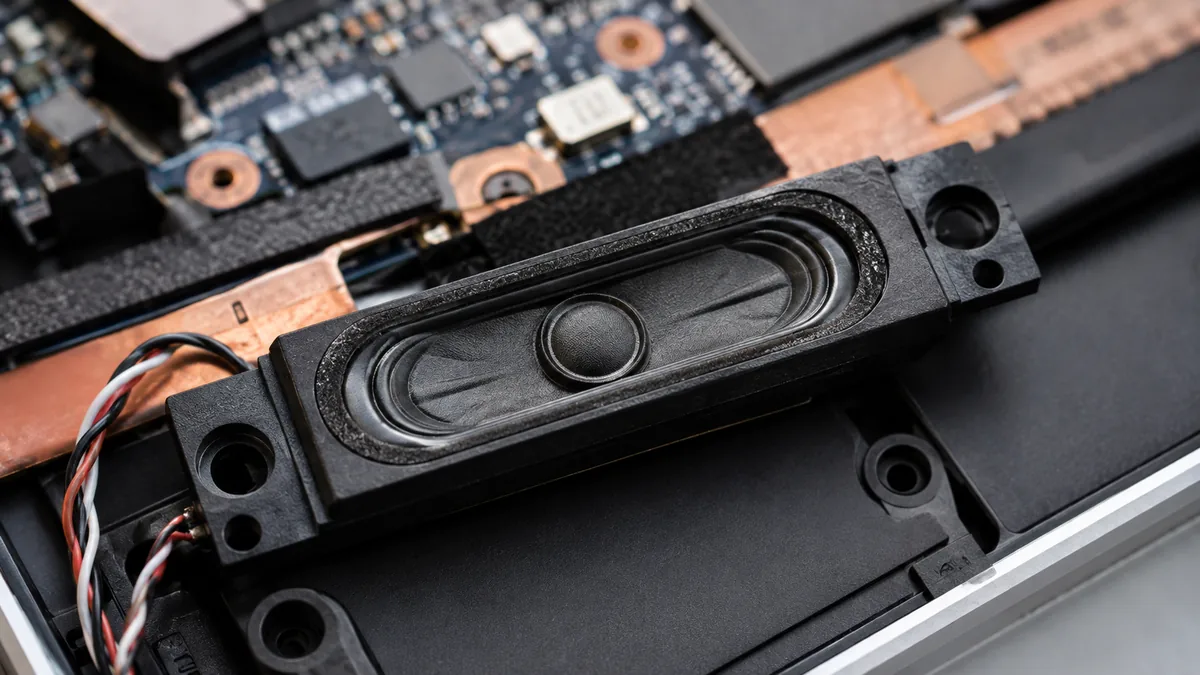
When people say their laptop speakers are broken, they are describing a symptom, not a fault. The sound you hear travels through a chain of parts, and the audio can break at any link in that chain. It starts as a digital signal from the operating system, passes through an audio codec chip on the mainboard that converts it to an analogue signal, is boosted by a small amplifier stage, travels down a thin speaker flex cable to the speaker modules themselves, and finally moves the cone that pushes the air you hear. In parallel, a headphone jack taps into the same audio and usually contains a mechanical switch that mutes the internal speakers the moment a plug is detected. A fault in any one of these — and only one of them is usually at fault — sounds, to the owner, like "the speakers are gone".
That is why the honest first step of a speaker repair is not a repair at all: it is a diagnosis. A blown speaker cone and a failed codec chip produce overlapping symptoms but are completely different jobs — one is an inexpensive module swap, the other is board-level microsoldering. A headphone jack stuck in the "inserted" position mutes perfectly good speakers and needs nothing more than the switch cleaned or replaced. And a surprising share of "no sound" cases are purely software — a muted channel, the wrong output device selected, or a corrupt driver — and need no hardware work at all. We test methodically to prove which link in the chain has failed before we quote, because quoting a speaker swap on a machine that only needs a driver reinstall is not a repair, it is a guess with a price tag.
Laptop audio faults present in a handful of recognisable ways. None of them names the faulty part on its own, but each one narrows the search sharply before the machine is opened:
If your machine matches one of these, send us a two-line description and, if you can, a short clip with the sound in it before you travel; we can usually give you a probable cause and an honest price band from the symptom alone.
Below is the bench reference our technicians use during intake. The reference codes are ours, not an industry standard — quoting one over WhatsApp simply lets us set the right expectations and prepare the right parts and tools before you arrive. Turnaround assumes the fault behaves the way the symptom suggests and the correct part is available; a fault we have not yet confirmed never gets a fixed schedule.
Diagnostic reference
The faults that account for most audio repairs on our bench, in roughly the order we see them.
Send a short clip with the sound in it and a two-line description of what the machine does. A technician replies with a probable diagnosis and an honest price band before you leave the house.
Every machine with an audio fault follows the same path. The point of a fixed process is that the diagnosis is proven, not assumed — the whole failure of the trade is replacing a speaker that was never broken.
Two honest limits sit at the front of every quote. First, some ultrabooks glue or seal the speaker modules into the chassis to save space, which turns a simple swap into a longer, more careful job — we tell you that before we start, not after. Second, where the fault is a board-level codec or amplifier on a machine whose board is otherwise not worth repairing, we will say plainly that the audio repair is not economical rather than talk you into it.
Most of the blown speakers we replace failed for reasons that were, in hindsight, avoidable. A few habits keep laptop audio alive far longer, especially in Singapore's heat and humidity:
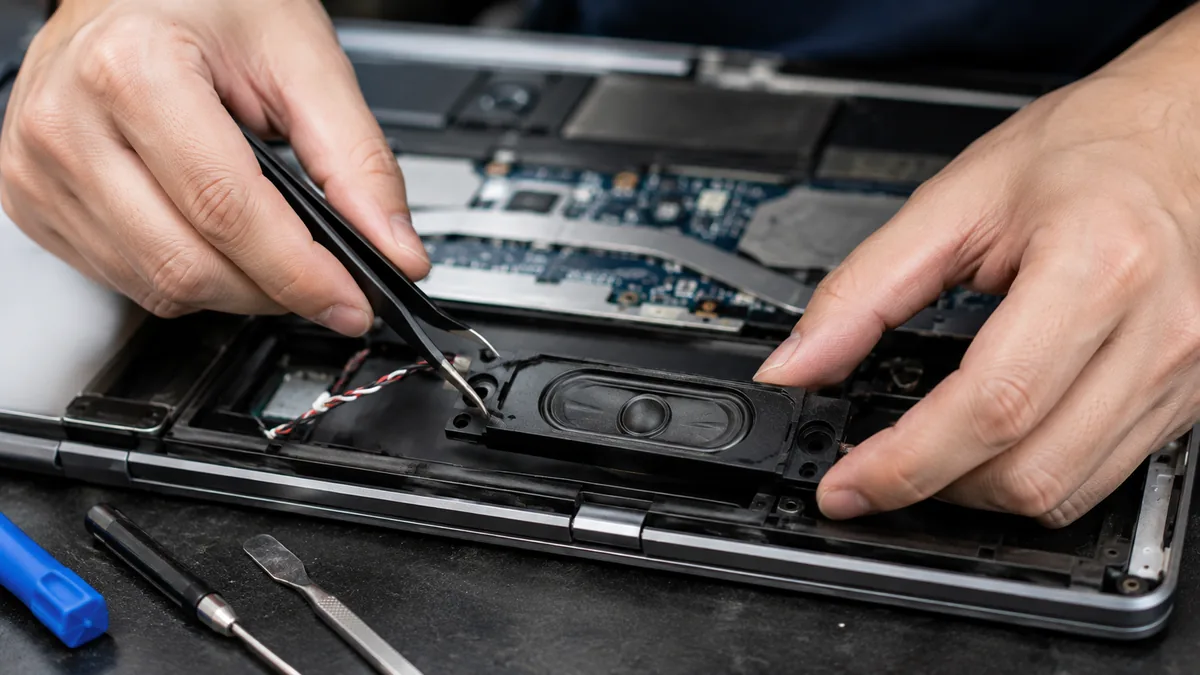
Because we prove the fault before we quote it. A speaker that is silent might need a five-minute driver fix, a cheap module swap, or delicate board-level work, and the only honest way to price it is to test which — so we do, every time, before a cent is discussed. Because we show you the damaged cone or corroded connector under the microscope and photograph it. Because the written quote does not change once you approve it, every completed repair carries a warranty on parts and workmanship, and if we cannot fix it you pay no repair fee. Audio is one of the repairs where the temptation to swap parts on a guess is strongest, and refusing to do that — testing instead of assuming — is the whole basis of the trade we have built over fourteen years.
Verified Google reviews
Real reviews from our Google profile, shown with the customer’s name as they left it. The score and the count are Google’s own, updated every week.
I got the motherboard issue fixed on my 16” MacBook Pro. No data was lost, and everything is the same as before. As promised, I also received a 60-day service warranty. Thank you, iDevice! 😊
Excellent Lap top repair service! Fast turn around, professional support & my computer was fixed quickly.
They repair fast and good, my DELL laptop had damaged screen and battery and they fixed it in one day. Diagnosis is free and they quote after checking on the problem. Pre-test testing and post testing done well.. Highly recommend.
My surface laptop was replaced with an SSD card and the services was very good.
Managed to fixed my 16inch MacBook pro within 5 working days thank you!
Great service - MacBook froze on upgrade. Could not solve problem myself. iDevice expedited the repairs and my Mac is like new! Very reasonable rates for repair too. Highly recommend.
Super fast and efficient. My motherboard spoiled, spent $350 to replace it, better than getting a new laptop at 2-3k. Hopefully can last for another year 😆
Managed to successfully fix my damaged iPhones and my data is also saved! Thank you for assisting
Related services
Where the audio fault is a failed codec or amplifier on the board, we microsolder it.
See the service →Screens, batteries, ports, liquid damage and more, diagnosed before you commit.
See the service →Dead keys, spill damage and worn keyboards on every major laptop brand.
See the service →Questions we get every week
It depends on what is actually wrong, which is exactly why we test before we quote. A plain speaker-module swap — a blown driver, a torn speaker flex cable, a worn connector — is one of the cheaper laptop repairs, because the speaker itself is an inexpensive part and the labour is bounded. A board-level fault, where the audio codec or amplifier chip on the mainboard has failed and needs microsoldering, costs more because it is delicate bench work. And if the audio is only a driver or settings problem, the fix may cost nothing beyond the diagnostic. We prove which of these it is first, then give you a written quote you approve before any work begins.
No sound at all is the one symptom that most often turns out not to be the speaker. Before we open anything we check the software path: the output device selected in the operating system, a muted or disabled channel, a corrupt or missing audio driver, and whether the headphone jack has stuck in the inserted state so the machine thinks headphones are plugged in and mutes the speakers. If audio plays cleanly through headphones or an external speaker but the internal speakers stay silent, the fault is downstream of the codec — usually the speaker, its cable, or the amplifier. We work through that order methodically rather than assuming, because replacing a speaker that was never faulty helps nobody.
Yes. Sound from only one side almost always means one speaker channel has failed physically — a blown driver, a broken or unseated speaker cable, or corrosion on that speaker's connector — while the other channel is healthy. We confirm it by swapping the left and right feeds and testing each driver, then replace only the failed side. Occasionally the fault is one channel of the amplifier on the board rather than the speaker, which is a board-level repair; our test proves which before we quote, so you are not paying to change a speaker that was fine.
Crackling, buzzing and distortion usually mean a speaker driver that has been physically damaged — most often by sustained high volume, which pushes a tiny laptop cone past what it is built for and tears or deforms it. Once a cone is damaged it cannot un-tear, so the fix is a new speaker module. Distortion can also come from debris lodged in the grille rattling against the cone, from a partially detached speaker vibrating in its housing, or from a failing amplifier stage on the board. We listen at controlled volume, inspect the driver under the microscope, and separate a genuinely blown speaker from a rattle or a board fault before recommending anything.
That pattern is diagnostic. If headphones play perfectly but the internal speakers are silent, the audio codec is working and the signal is fine up to the point it splits toward the speakers — so the fault sits in the speaker path: the speaker itself, its cable, or the speaker-amplifier stage. The reverse pattern, where speakers work but headphones do not, usually points to the headphone jack: a stuck detection switch, a bent contact, or debris in the socket. Either way the split tells us which half of the audio circuit to focus on, which is why we always test both outputs at intake.
Often, yes, and the sooner it reaches us the better. Liquid attacks laptop audio in two places: it can corrode the speaker's own coil and connector, muffling or killing the sound, and it can corrode the audio codec or amplifier on the mainboard. A corroded speaker module is simply replaced. A corroded connector is cleaned back to clean metal and re-seated or repaired. Where the liquid has reached the board and eaten into the audio chip or its supporting parts, we clean the area, clear the corrosion and carry out board-level microsoldering. As with any liquid damage, corrosion keeps spreading for days, so a speaker that sounds muffled after a spill should come in quickly rather than be left to dry out.
A straightforward speaker-module or cable replacement is usually a same-day or next-day job once the correct part is on hand, because the diagnosis is quick and the part is accessible on most laptops. If the speaker has to be ordered for a specific model it depends on stock, and we tell you the wait before you commit. Board-level audio repairs — a failed codec or amplifier that needs microsoldering — take longer, typically two to four working days, because they involve careful rework and a proper test of both channels and the headphone path afterwards. We confirm a realistic turnaround once the fault is proven, not before.
Walk-ins welcome from the CBD, Orchard, Novena, Toa Payoh, Bishan, Ang Mo Kio, Jurong East, Clementi, Tampines, Bedok, Woodlands, Yishun, Hougang and Punggol. Courier collection islandwide for machines that should not be moved.