
★★★★★
Excellent Lap top repair service! Fast turn around, professional support & my computer was fixed quickly.
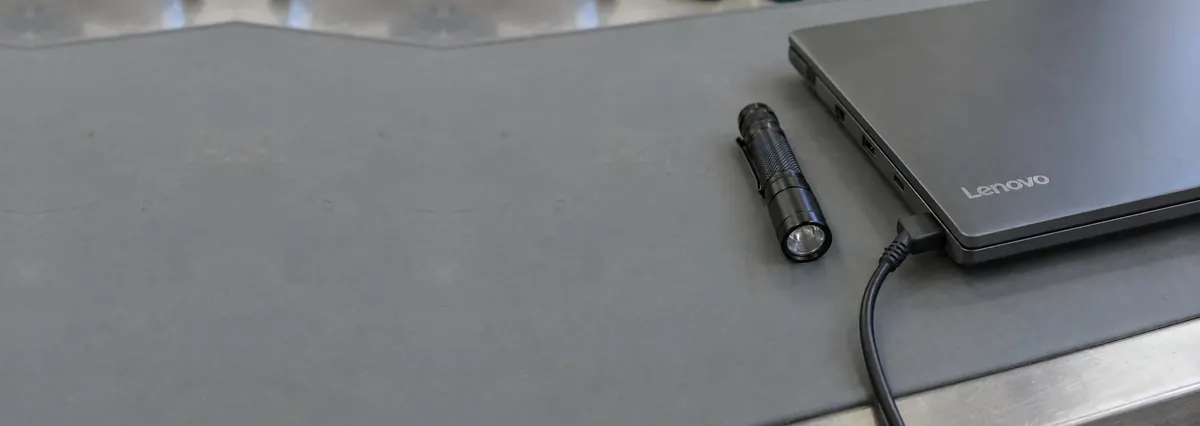
Service · Charging port · Singapore
A laptop that will not charge is rarely a lost cause. We test the charger first, inspect the DC-in jack or USB-C port under the microscope, and separate a worn connector from a deeper charging-circuit fault on a bench supply — so you pay to fix the actual problem, not to replace parts that were never broken.
A slice of this week's charging bench log
Charging port and DC-in repair runs from around S$110 to S$300, typically 1–3 days. Diagnosis is free on walk-ins, you get a written quote before any work starts, and if we cannot fix it you do not pay a repair fee. See how we arrive at that.
On this page
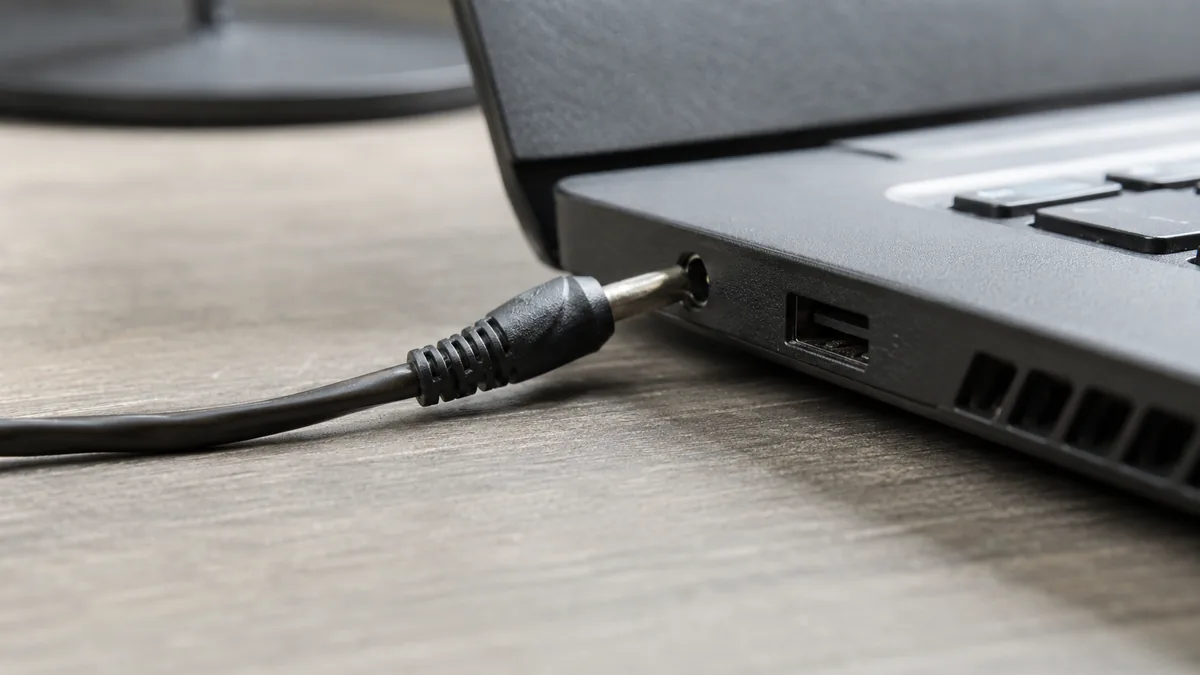
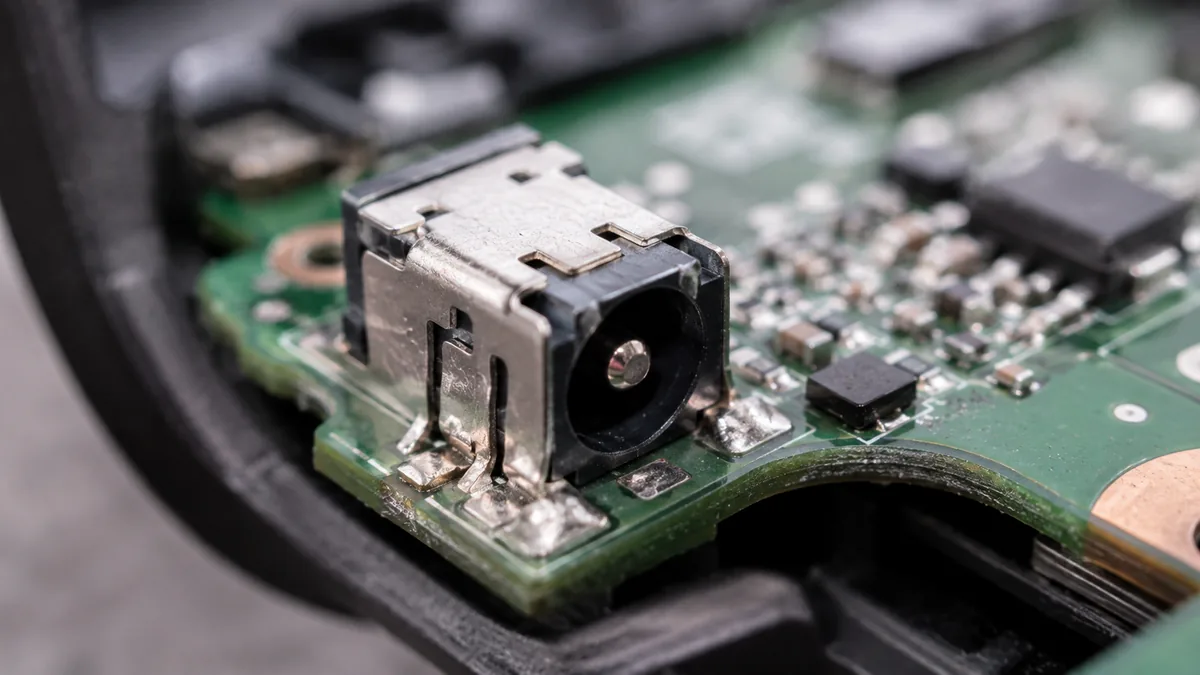
The charging port is where your adapter meets the laptop, and it comes in two forms. The older and still very common one is the round DC-in barrel jack — a cylindrical socket that the charger's pin plugs into. On most laptops that jack does not sit directly on the mainboard; it lives on a small separate daughterboard, or on the end of a short pigtail flex cable that plugs into the mainboard. The newer form is USB-C or Thunderbolt charging, where the same slim connector carries power, data and often video at once. Both do the same job — feed the charger's voltage into the machine's power-delivery circuit — and both are physical connectors that wear, crack and work loose over years of plugging and unplugging.
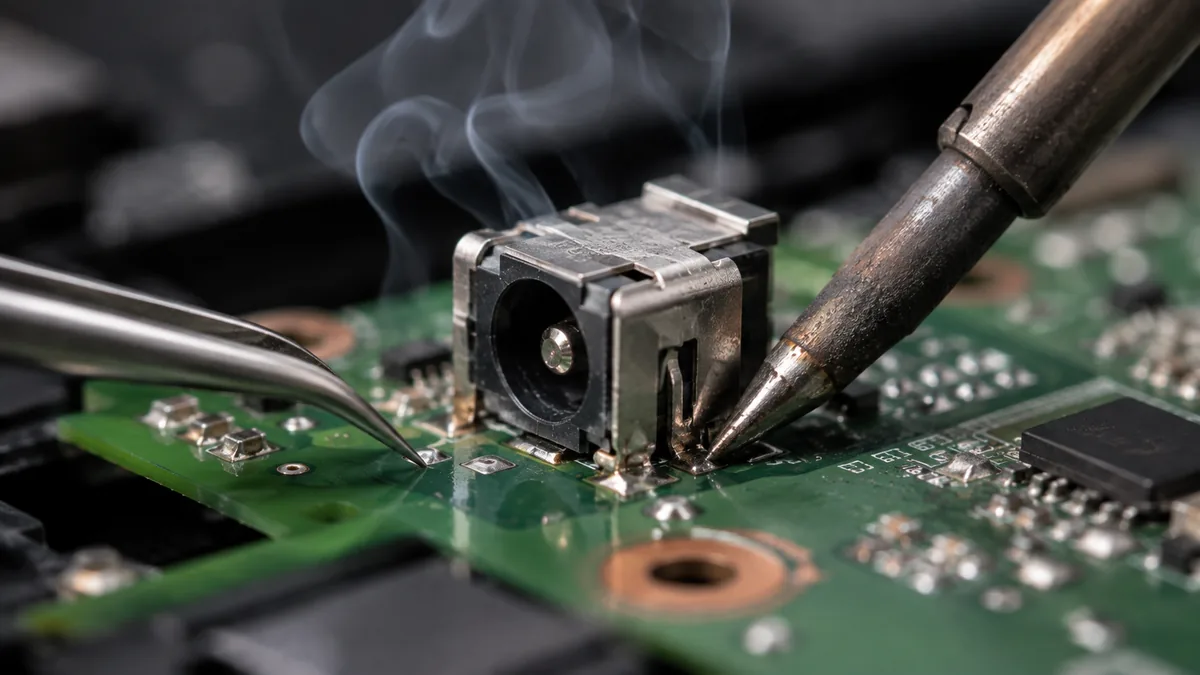
Charging port repair is the work of restoring that connection. On a good day it is a clean swap of a worn daughterboard or pigtail jack. On a harder day it is re-soldering a jack whose pads have cracked on the board, or fitting a new USB-C connector under the microscope. And sometimes the port is perfect and the real fault sits deeper — a failed charging IC or a blown input fuse on the mainboard that leaves the whole board drawing nothing from a charger that is working fine. Those cases cross into board-level microsoldering. The single most valuable thing we do is tell the two apart before you pay for anything, because the cost, the time and the fix are completely different depending on which side of that line your fault falls.
Charging faults tend to present in recognisable ways. None of these is a diagnosis on its own, but each one narrows things down long before the machine is opened:
If your machine matches one of these, send us a two-line description and a photo of the port before you travel; we can usually give you a probable cause and an honest price band from the symptom alone.
Below is the bench reference our technicians use during intake. The reference codes are ours, not an industry standard — quoting one over WhatsApp simply lets us free the right bench and prepare the right parts before you arrive. Turnaround assumes the fault behaves the way the symptom suggests; a charging fault we have not yet traced to the circuit never gets a fixed schedule.
Diagnostic reference
The faults that account for most charging repairs on our bench, in roughly the order we see them.
Send a photo of the port and a two-line description of what the machine does. A technician replies with a probable diagnosis and an honest price band before you leave the house.
Every charging fault that reaches our bench follows the same order. The point of a fixed process is that the cheap, obvious causes are ruled out before anyone reaches for a soldering iron — most "dead charging ports" are something simpler than they look.
One honest limit sits at the front of every quote. Where a port has been torn out and taken a chunk of the board's pads or traces with it, the repair becomes a board rebuild rather than a simple jack swap, and we tell you that on day one rather than after you have paid. In those cases we quote the realistic board-level cost and let you decide against the value of the machine.
Most of the charging ports we repair failed for reasons that were, in hindsight, avoidable. A few habits meaningfully extend the life of a jack or USB-C port:
Because we test the charger before we ever touch the laptop, and we tell you plainly when the fix is a five-dollar cable rather than a bench job. Because we show you the worn jack or cracked pads under the microscope and photograph them. Because the quote is written before any work starts and does not change afterwards, and we say up front whether a fault is a simple port swap or board-level microsoldering — the two are priced honestly and separately. Every completed repair carries a written warranty on parts and workmanship, and if we cannot fix it you do not pay a repair fee. Telling you the truth about your machine, including when the truth is that the charger was the problem all along, is the basis of the trade we have built over fourteen years.
Verified Google reviews
Real reviews from our Google profile, shown with the customer’s name as they left it. The score and the count are Google’s own, updated every week.
Excellent Lap top repair service! Fast turn around, professional support & my computer was fixed quickly.
Great service and advice given. Down to earth advice instead of overcharging.
My macbook 16 inches battery was not charging and did a replacement and os reinstalled at affordable cost! Happy with their services!
Supportive staff . It took me to 4 day to resolve issues related to mother board.
Good service. The staff is friendly and responsive both on-line and off-line. The issue with my macbook was resolved swiftly, and the most importantly, the repair was done well.
Prompt reply when you have questions even weekends, and most important people service.
Fast, friendly and the most important: excellent technical skills of the team. Changed bloated battery on my old MacBook Pro in 3 hours, incl. cleaning and a comprehensive function test.
Fast service! Great customer support too. Looking forward to pickup the item. Helps to know there several days worth of warranty post-servicing.
Related services
Charging ICs, blown input fuses and shorted rails traced on a bench supply.
See the service →When it is the pack, not the port — swollen cells and batteries that no longer hold charge.
See the service →Screens, keyboards, storage and every other laptop fault, at component level.
See the service →Questions we get every week
A charging port repair is priced by what the fault actually is, not by the word "port". A worn DC-in jack on its own daughterboard is usually a straightforward part swap and sits at the lower end. Re-soldering a jack whose pads have cracked, or replacing a broken USB-C connector, takes microscope time and sits a little higher. Where the port is fine and the real fault is a charging IC or a blown input fuse on the mainboard, that is board-level microsoldering and is quoted separately. We read the machine on a bench supply first to tell the two apart, then give you a written quote you approve before any work starts.
That message means the machine can see a charger but the battery is not receiving charge, and it has several causes. The commonest are a worn or loose DC-in jack that no longer makes solid contact, a frayed or failing charger cable, or a charging circuit that has stopped requesting charge — a failed charging IC, a blown input fuse, or a battery gauge that has lost communication with the pack. It can also be a tired battery that has hit its charge limit. We put the laptop on a bench supply with a known-good charger and read the current it draws; that one measurement usually separates a port fault from a charging-circuit fault before anything is opened.
The quickest home test is a second known-good charger of the correct wattage: if a different charger works, the fault was the cable or adapter, not the laptop. If the symptom follows the machine regardless of charger — it only charges at a certain cable angle, when you wiggle the connector, or not at all — the fault is on the laptop side, usually the DC-in jack, the daughterboard it sits on, or the charging circuit. On our bench we confirm this properly by measuring the current the laptop draws from a controlled supply with a charger we know is good, which removes the charger from the equation entirely.
Almost always repaired, not replaced. On many laptops the charging port lives on a small daughterboard or a pigtail flex cable, so replacing just that part is inexpensive and quick. Where the jack is soldered directly to the mainboard, we re-solder or replace the connector under the microscope rather than condemning the whole board. Only when the fault is deeper — a failed charging IC or a blown input fuse on the mainboard — does the work move to board-level microsoldering, and even then we repair the failed component rather than sell you a replacement board. Swapping an entire mainboard for a charging fault is almost never necessary.
A daughterboard or pigtail jack swap is often same-day or next-day once the part is on hand. Re-soldering a jack whose board pads have cracked, or fitting a new USB-C connector, is typically one to two working days because it is microscope work that we do not rush. If diagnosis shows the fault is actually a charging IC or an input fuse on the mainboard, that is board-level microsoldering and runs two to five days depending on how quickly the failing component is traced. We confirm which of these it is on the bench first, then give you a realistic timeframe with the quote.
Yes. USB-C and Thunderbolt charging ports are common on modern laptops and MacBooks, and they fail in their own ways — a connector cracked from a sideways knock, bent or worn contacts inside the shell, or a port that has stopped negotiating power delivery because the controller or a protection component behind it has failed. We replace the USB-C connector under the microscope where the connector itself is damaged, and where the port is electrically fine but power delivery has stopped we trace the fault back into the charging circuit. Because a single USB-C port often carries charging, data and video at once, we test all three after the repair, not just charging.
No. A charging port repair works on the power-input side of the laptop and does not touch your storage, so your files stay exactly where they are. The only time storage enters the conversation is when a charging fault has left a machine that will not power on at all and you need the data urgently before the repair is finished — in that case we can usually read or image the drive separately. Otherwise a port or charging-circuit repair carries no data risk, and we always confirm the machine boots and holds charge before it goes back to you.
Walk-ins welcome from the CBD, Orchard, Novena, Toa Payoh, Bishan, Ang Mo Kio, Jurong East, Clementi, Tampines, Bedok, Woodlands, Yishun, Hougang and Punggol. Courier collection islandwide for machines that should not be moved.