
Brand repair guides · Singapore
ASUS laptop repair in Singapore
ASUS builds excellent cooling and then hides it behind a dust filter nobody cleans. Here is what fails on ROG, TUF, Zenbook and Vivobook machines, and what it takes to put right.
On this page
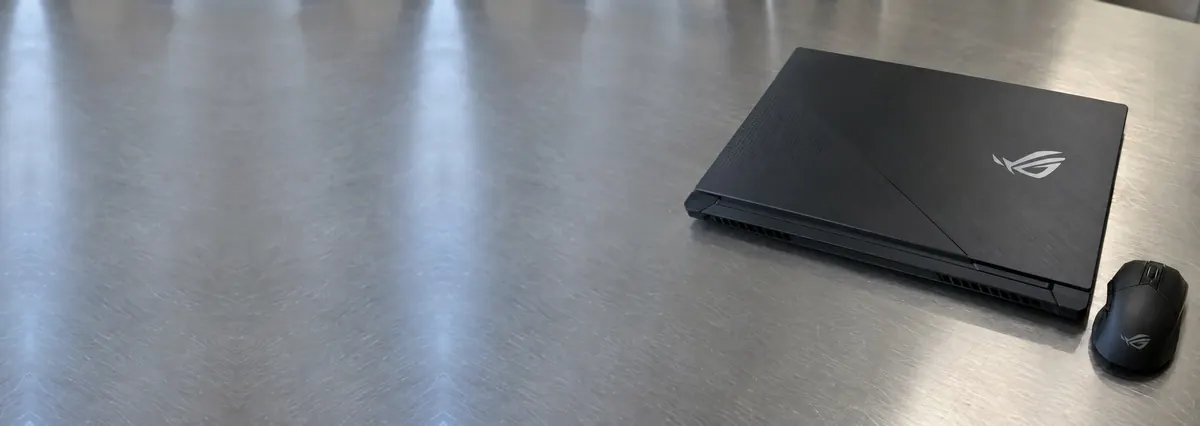
ROG and TUF: superb cooling, until it isn't
ASUS's gaming thermal design is among the best sold: vapour chambers, generous fin stacks, sensible fan curves, and on several generations a liquid-metal CPU interface from the factory. All of it depends on airflow, and airflow in Singapore lasts about eighteen months.
The failure sequence is always the same. Fins clog. Compound dries or, on liquid-metal machines, pumps out. Sustained temperatures rise. The CPU and GPU throttle, the owner notices the frame rate but not the cause, and after another year the GPU's solder joints begin to fatigue. At that point you are choosing between a S$140 thermal service you should have booked and a S$450+ reball you now need.
One ASUS-specific caution: several ROG models ship with liquid metal on the CPU. It must be reapplied with the correct barrier and the correct technique, because liquid metal attacks bare aluminium. A shop that repastes an ROG with ordinary compound has downgraded your cooling; a shop that puts liquid metal on an aluminium cold plate has destroyed it. Ask which they intend to do.
The 144Hz panel trap
ASUS gaming and creator machines ship high-refresh and wide-gamut panels: 144Hz, 165Hz, 240Hz, 100% sRGB, sometimes 100% DCI-P3. A replacement panel is chosen by part number, not by the words "15.6 inch 1080p". Fit a 60Hz 45%-NTSC panel into a 165Hz ROG and everything will work; it will simply never run above 60Hz again and the colours will be wrong.
This is the most common way ASUS owners in Singapore get quietly downgraded during a screen repair. Ask for the panel part number in writing before you agree to anything. Our panel matching guide explains what the code encodes.
Not sure what you are looking at? Ask a technician.
Send us the model and a two-line description of the symptom. You will get a probable diagnosis and an honest price band before you leave the house.
Zenbook and Vivobook: batteries, hinges, OLED
Zenbook packs swell more than the class average in our intake, and in a chassis that thin a swollen cell bows the base and stops the trackpad clicking. If your Zenbook rocks on a flat table, stop using it today — here is why.
Zenbook OLED displays are beautiful, expensive and have no third-party equivalent worth fitting. They are also susceptible to burn-in from static taskbars over years. Vivobooks are cost-engineered plastic and crack at the hinge mount like every other cost-engineered plastic laptop. And ScreenPad secondary displays add a second panel, a second cable, and a second thing to quote for.
What ASUS repairs cost in Singapore
- ROG / TUF thermal service — S$110 – 190 (liquid metal where correct), same day.
- Fan replacement — S$90 – 180.
- Battery — S$150 – 340; large ROG packs at the top.
- Panel — 1080p IPS S$180 – 280; 144–165Hz S$300 – 430; OLED S$450 – 650.
- Charging circuit / DC-in — S$120 – 280, board-level.
- GPU reball — from S$450, 3–7 days, quoted after diagnosis.
Owning an ASUS well
Use MyASUS Battery Health Charging and cap at 80% for desk use. Book a thermal service every eighteen months on any ROG or TUF machine and treat it as a consumable cost, like tyres. Never run a gaming laptop on a bed. And when you replace a screen, insist on the part number.
Questions we get every week
Frequently asked questions
How often should an ROG laptop be repasted?
In Singapore's humidity and dust, every 18 to 24 months. That is more often than the manufacturer implies and it is the cheapest performance you will ever buy: 15–20°C lower sustained temperatures and the clock speed that comes back with it.
My ASUS screen was 144Hz and now it is stuck at 60Hz after a repair. Why?
Because you were fitted with a 60Hz panel. The connector and the mounting are identical; the panel is not. Take the machine back and ask for the part number of the panel that was installed. If it does not match your original SKU's refresh rate, you have grounds to insist on a correct one.
Is a swollen Zenbook battery dangerous?
Yes. A swollen lithium-polymer pouch is pressurised and its separator may be compromised. Do not press it, do not put the laptop in a bag, do not keep charging it. Power it down, leave it on a hard non-flammable surface, and bring it in the same day.
Do you handle liquid metal correctly?
Yes, on CPUs designed for it, with the correct barrier applied around the die and no contact with bare aluminium. On machines not designed for liquid metal we use high-grade paste, because using it there would corrode the cold plate. We tell you which we have applied on the job sheet.
Keep reading
Related guides
Lenovo laptop repair in Singapore
ThinkPads are the most serviceable laptops sold. Legion and Yoga are not.
Acer laptop repair in Singapore
Cost-engineered hinges, Predator heat, and why the palm rest always cracks.
Laptop overheating: why your machine got slow, and the cheapest fix in repair
Dust, dried compound, hardened pads, worn fan bearings. Sixty degrees of difference.
Get a written quote before a screw turns
Component-level diagnostics, a fixed price in writing, and no repair fee if we cannot fix it. Walk in Mon–Fri, or WhatsApp the workshop.